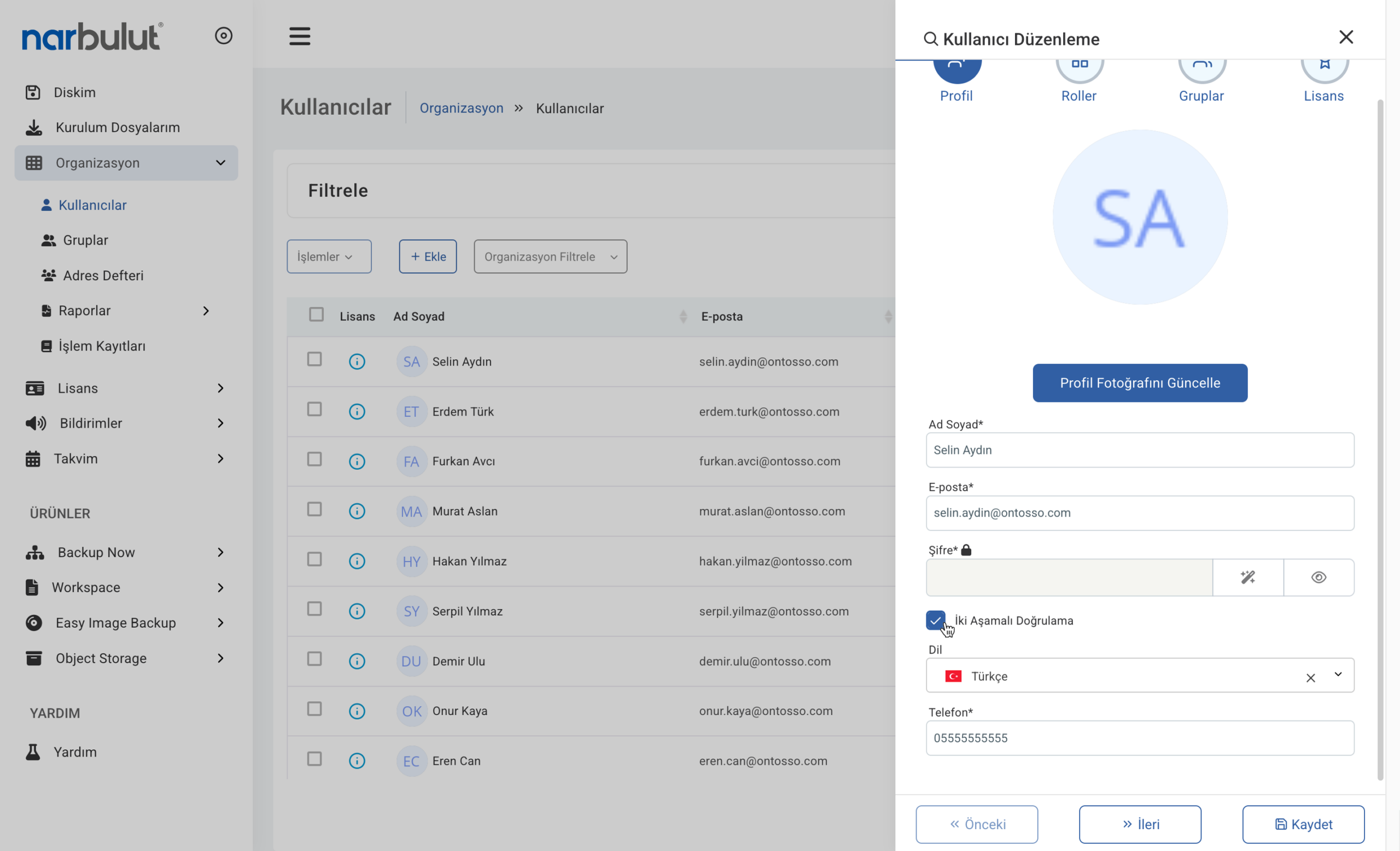
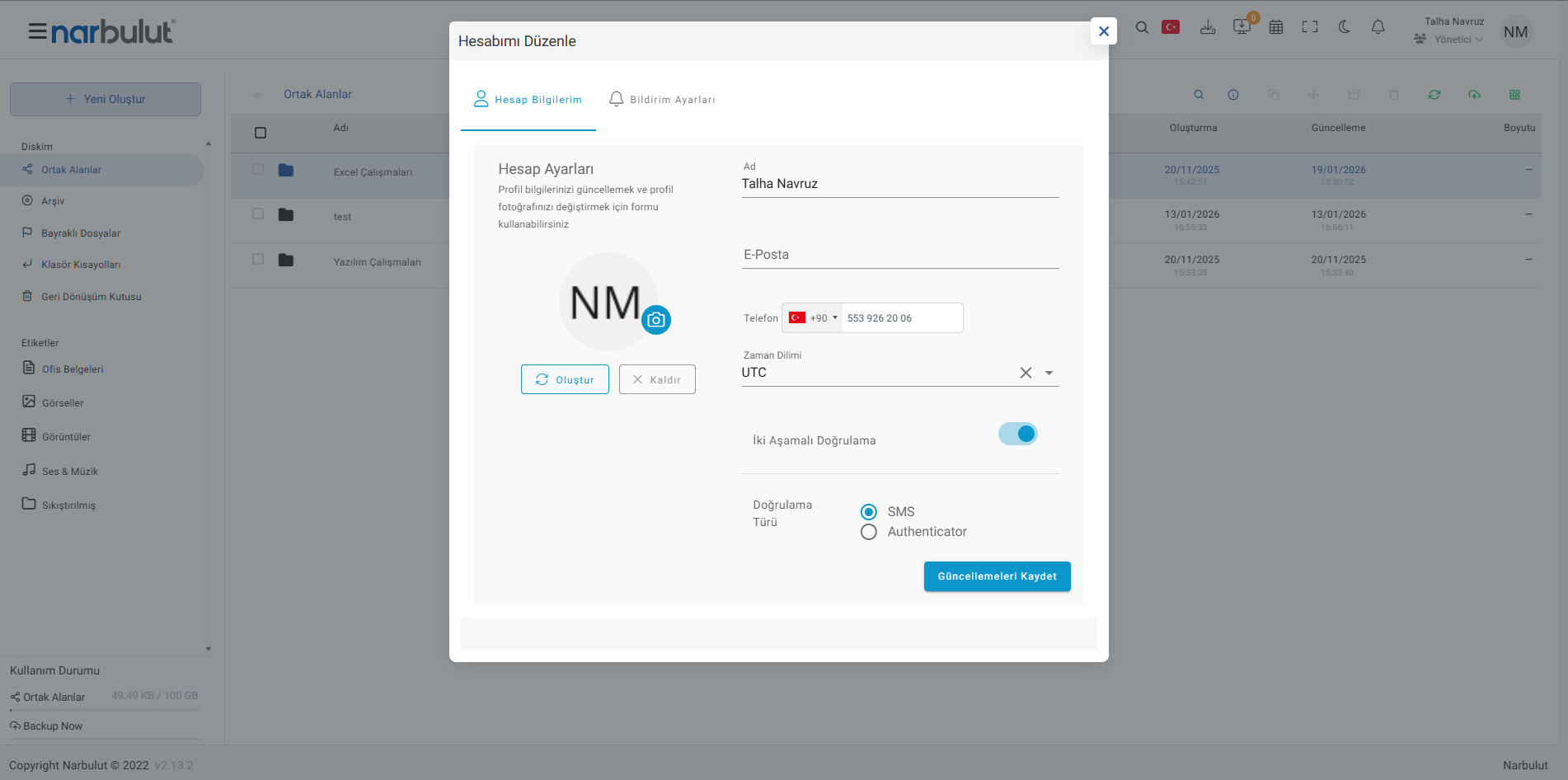
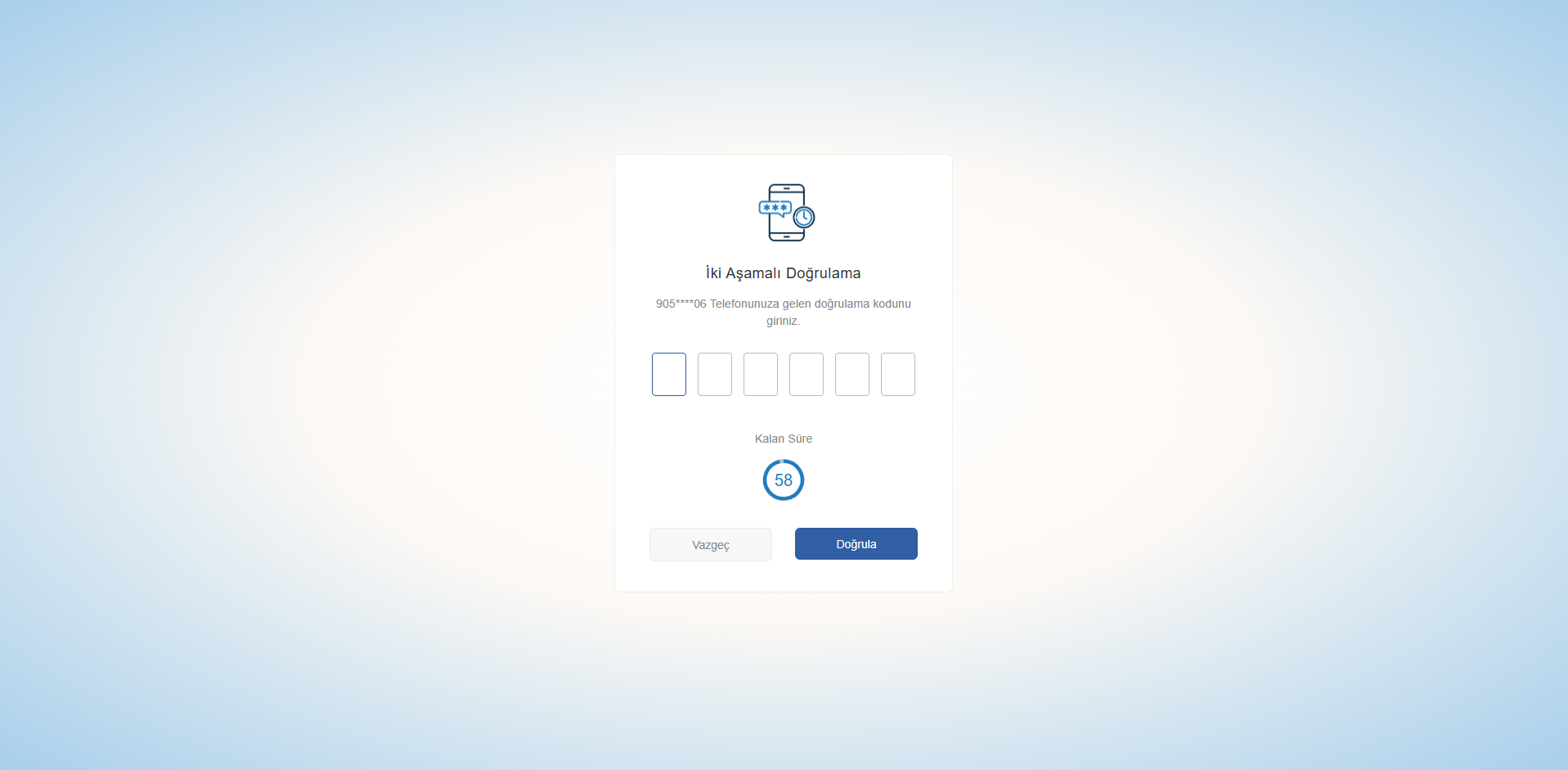
Depending on the service you use, there are multiple options available. Here are the most commonly used methods:
Authenticator App
Use authenticator apps that manage security codes for you. You can generate instant codes with apps like Google Authenticator or Microsoft Authenticator
Hardware Security Key
Plug a physical hardware key into your computer to verify your identity. Access your account securely with USB security keys like YubiKey
SMS Message
Receive a four to six-digit verification code via text message to access your account. Confirm your identity by entering the code sent to your phone
WHAT IS 2FA?
What Is Two-Factor Authentication?
Two-factor authentication is an extra layer of security used to further protect your account by ensuring the person trying to access it is really you. First, you enter your username and password. Then, instead of immediately gaining access, you are asked to provide another piece of information. This additional verification can be done through various methods
ADVANTAGES
Advantages of Two-Factor Authentication
It is the most effective and often free way to enhance the security of your online accounts. You can easily enable this feature, which is already available in most applications, from the settings menu. It provides a simple-to-implement yet highly effective security barrier to protect your sensitive data from hackers and prying eyes
WHO SHOULD USE IT
Who Should Use Two-Factor Authentication?
Everyone who cares about online security and wants to minimize digital risks should definitely use this method. It is a critical step in preventing your accounts from being compromised and reducing the risk of identity theft. By taking just a few minutes to set it up, you create a long-term and powerful protection shield for your digital assets
FREQUENTLY ASKED QUESTIONS
Have any questions?
Browse our frequently asked questions. Contact us for more information.
Absolutely yes. No matter how complex your password is, cyber attackers or data breaches can compromise it. 2FA serves as a second line of defense that prevents access to your account even if your password is stolen.
Narbulut Product Analysis
Step 1/12
What area of technological improvement are you planning for your company?
Data Security & BackupRansomware, deleted files and disaster recovery.
Cloud Server (IaaS)Website, ERP, CRM or application hosting.
Team CollaborationSecure file sharing and remote work.
Object Storage (S3)Object Storage for developers.
What industry does your company operate in?
Healthcare / MedicalPatient data (GDPR critical).
Finance / AccountingSensitive financial data.
Manufacturing / EngineeringCAD drawings and production plans.
Other / General ServicesOffice documents and general data.
What type of devices need to be protected?
Employee ComputersLaptop and desktop end-user devices.
Physical / Virtual ServersDatabase, Active Directory or File Server.
What should your backup strategy be?
File & Folder BasedOnly important business files (XLS, PDF, SQL) should be backed up.
Full Disk ImageBack up "Everything" including the operating system.
What is your upload speed for cloud backup?
Fiber / High SpeedI can send large data quickly.
Standard / ADSLMy speed is limited, compression is important.
Is ransomware a threat?
Yes, Very CriticalWe have experienced it before or are at risk.
Standard Protection is SufficientBasic backup measures are enough.
How long would you like to keep versions?
30 - 90 DaysTo fix recent errors.
1 Year and AboveLegal requirements or archiving.
What will be the primary purpose of the server?
E-Commerce / WebsiteHigh uptime and speed required.
ERP / Accounting SoftwareDatabase performance is important.
Software DevelopmentFlexible resource management.
What infrastructure do you need?
Windows ServerASP.NET, MSSQL, RDP.
Linux (Ubuntu/CentOS)PHP, Python, MySQL, Docker.
What is the estimated user traffic?
Low / MediumEntry level or new project.
High TrafficHeavy campaigns or many users.
Who will manage the server?
I Will Manage ItI have a technical team, root access is enough.
I Need SupportManaged Services required.
How many people will work in the shared workspace?