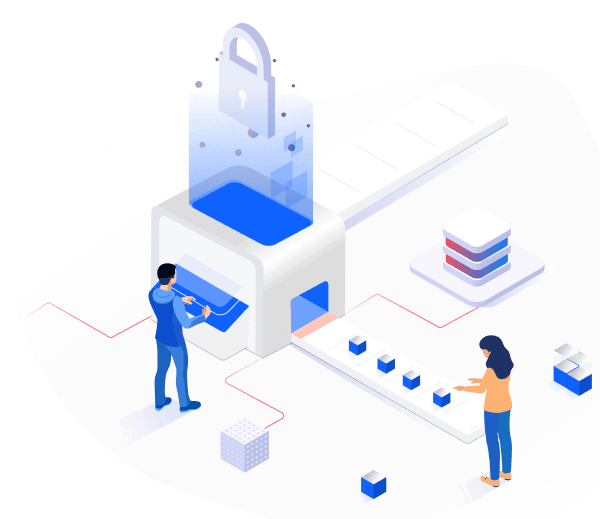
You can easily manage and control cloud backups of all your computers within your authorization from Narbulut's private panel
Flexible Storage Options
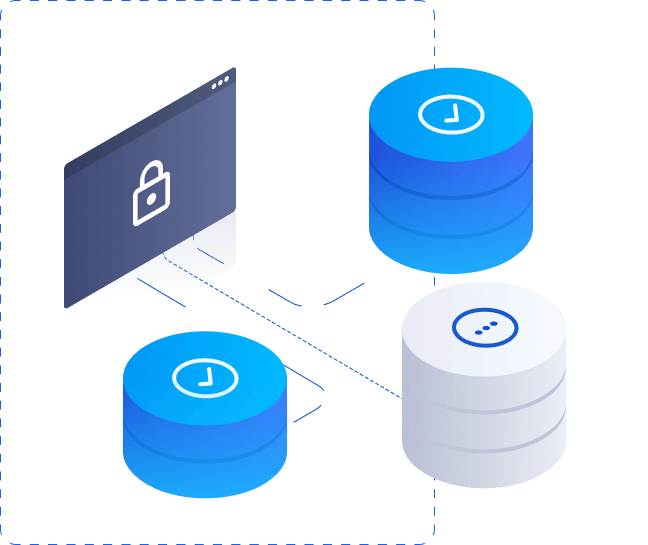
The system supports both cloud-based storage and local storage solutions. In this way:
You can access your backups from anywhere by transferring them to the cloud.
Automatic Backup with Agent
Narbulut Easy Image Backup is fully compatible with Narbulut Agent, which can run on laptops, desktops, servers and virtual machines.
It minimizes the risk of data loss with automatic backup processes
Easy and Fast System Recovery
Backup and Restore Your System!
Back up your system with Narbulut Easy Image Backup. Restore your system from the cloud or locally via Easy Image Backup Live OS
Creating a Startup Disk - Easy Image Backup Live OS
Narbulut Easy Image Backup's startup disk creation tool turns your USB memory into a bootable Narbulut Easy Image Backup Recovery Tool. By starting your devices with this USB memory, you can easily perform recovery operations with your image backups in the local area or in Narbulut
Secure Your Data!
Easy Image Backup minimizes companies' risk of data loss by giving IT administrators full control. It offers a flexible and secure backup experience with cloud and local backup support
Start Protecting Your Systems Now
Experience Narbulut products for free. You can safely meet all the system backup needs of your business with Easy Image Backup and manage them from anywhere
Do you have questions about Narbulut Easy Image Backup? Check out frequently asked questions. Contact us for more information
Narbulut Easy Image Backup's startup disk creation tool (LiveOS) turns your USB memory into a startup disk. You can restore your system or transfer data from your computer to other devices using this USB memory.
It allows you to restore disks on devices whose systems are corrupted or do not turn on, or to quickly load your backup to a new device.
It can be used in situations such as system crash, hardware failure or new device installation.
No. Integrity checks are carried out before and after duration.
2FA and user authorizations are active.
Varies depending on backup size and hardware speed.
Narbulut Product Analysis
Step 1/12
What area of technological improvement are you planning for your company?
Data Security & BackupRansomware, deleted files and disaster recovery.
Cloud Server (IaaS)Website, ERP, CRM or application hosting.
Team CollaborationSecure file sharing and remote work.
Object Storage (S3)Object Storage for developers.
What industry does your company operate in?
Healthcare / MedicalPatient data (GDPR critical).
Finance / AccountingSensitive financial data.
Manufacturing / EngineeringCAD drawings and production plans.
Other / General ServicesOffice documents and general data.
What type of devices need to be protected?
Employee ComputersLaptop and desktop end-user devices.
Physical / Virtual ServersDatabase, Active Directory or File Server.
What should your backup strategy be?
File & Folder BasedOnly important business files (XLS, PDF, SQL) should be backed up.
Full Disk ImageBack up "Everything" including the operating system.
What is your upload speed for cloud backup?
Fiber / High SpeedI can send large data quickly.
Standard / ADSLMy speed is limited, compression is important.
Is ransomware a threat?
Yes, Very CriticalWe have experienced it before or are at risk.
Standard Protection is SufficientBasic backup measures are enough.
How long would you like to keep versions?
30 - 90 DaysTo fix recent errors.
1 Year and AboveLegal requirements or archiving.
What will be the primary purpose of the server?
E-Commerce / WebsiteHigh uptime and speed required.
ERP / Accounting SoftwareDatabase performance is important.
Software DevelopmentFlexible resource management.
What infrastructure do you need?
Windows ServerASP.NET, MSSQL, RDP.
Linux (Ubuntu/CentOS)PHP, Python, MySQL, Docker.
What is the estimated user traffic?
Low / MediumEntry level or new project.
High TrafficHeavy campaigns or many users.
Who will manage the server?
I Will Manage ItI have a technical team, root access is enough.
I Need SupportManaged Services required.
How many people will work in the shared workspace?