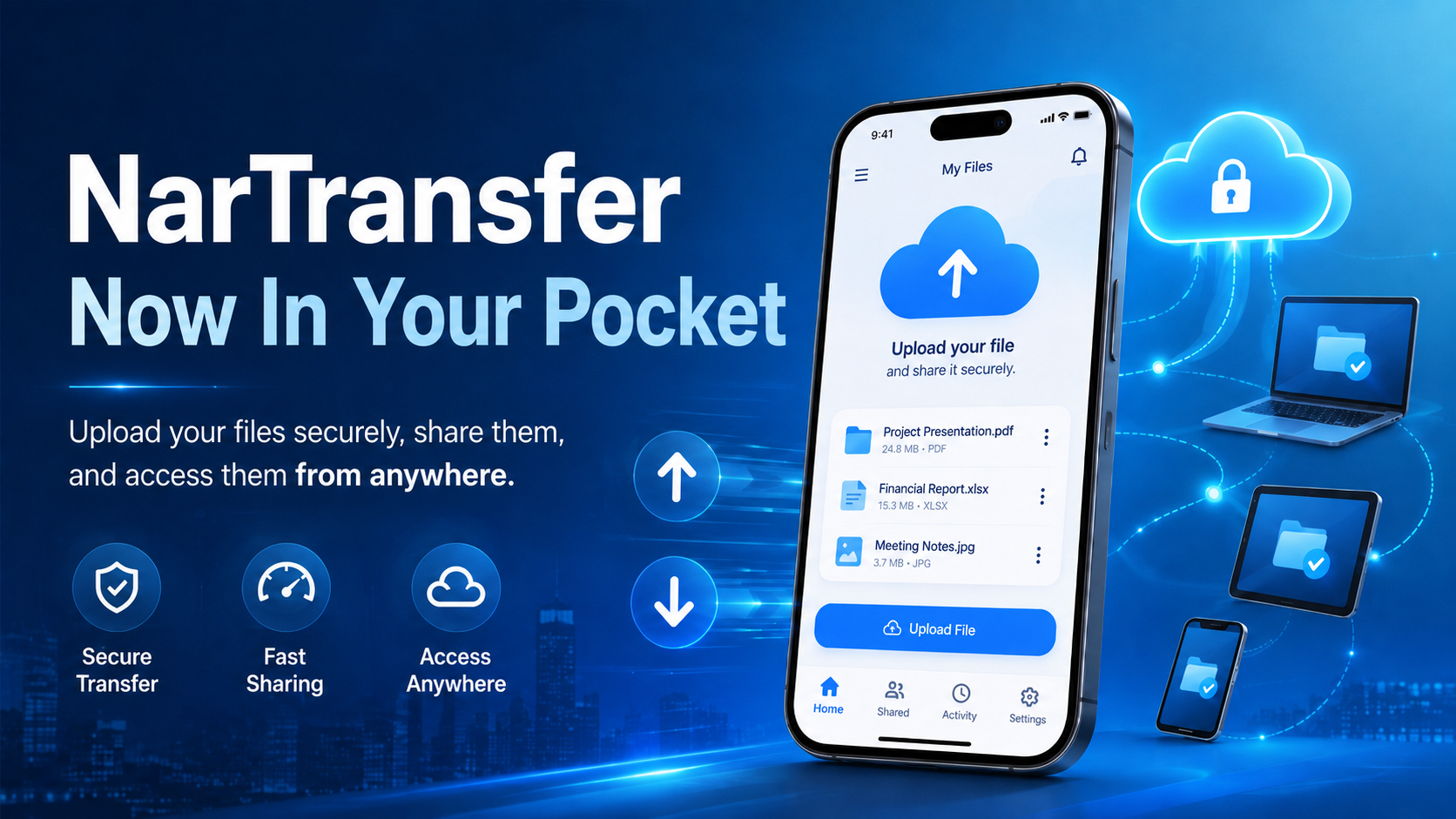
Send large files from your pocket with the NarTransfer mobile app: up to 20 GB, free, end-to-end encrypted and password-protected — just one link.

- Company
-
Products
Products
New ProductCloud Server
Fully managed virtual server infrastructure. Setup in minutes, hourly billing and expert support so you can focus on your business.
Try Now -
Solutions
Backup & Security
Data SecurityRansomware & encryptionSilent Ransom: TDEProtection against TDE abuseCloud BackupSecure backup to data centersImage BackupFull disk image + fast recoveryOff-Site BackupOff-site disaster recoveryMobile BackupiOS & Android photos/contactsRansomware ProtectionAgainst ransomware attacksTwo-Factor Auth2FA account security - Plans
- Resources
- Partners
- Blog
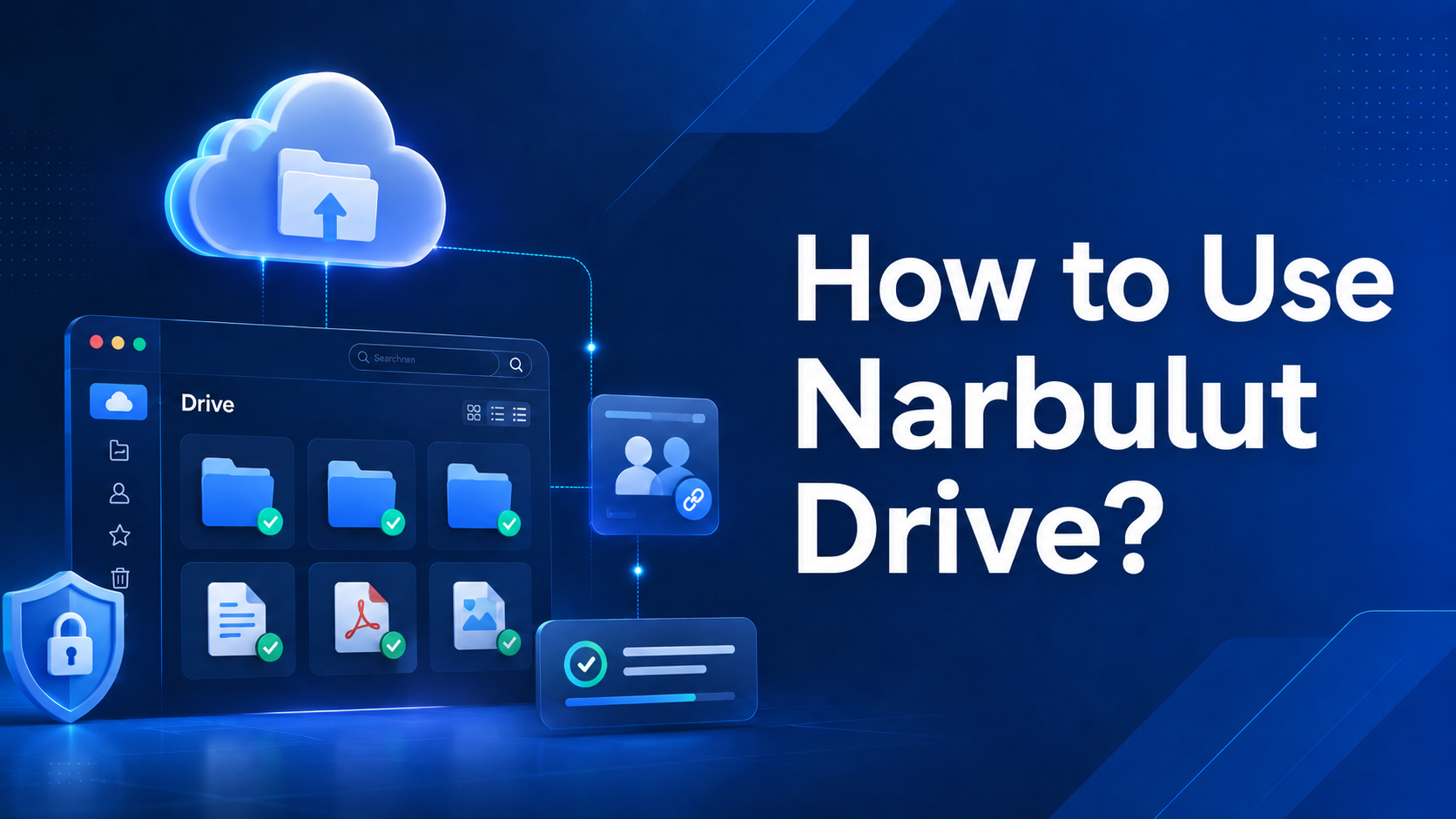
Narbulut Drive is a secure, local desktop application that establishes two-way synchronization between your computer and the Narbulut cloud. We explain what it is and how to install and use it, step by step.

Silent Ransom: TDE Abuse Attack and How It Poisons Your Backups? Narbulut Backup Now · Threat Research Note You Have a Backup,
- All
- Backup
- Blog
- Cloud Technologies
- Cyber Security
- Data Transfer
- Deleted Files
- Email Backup
- File Sharing
- Folder Backup
- General Subjects
- Guide
- Image Backup
- Mobile App
- Mobile Backup
- Narbulut Easy Image Backup
- Narbulut Object Storage Service (NOSS)
- Narbulut Transfer
- Ransomware
- Reports & Notifications
- SQL Backup
- Uncategorized
- White Label
- Windows Server
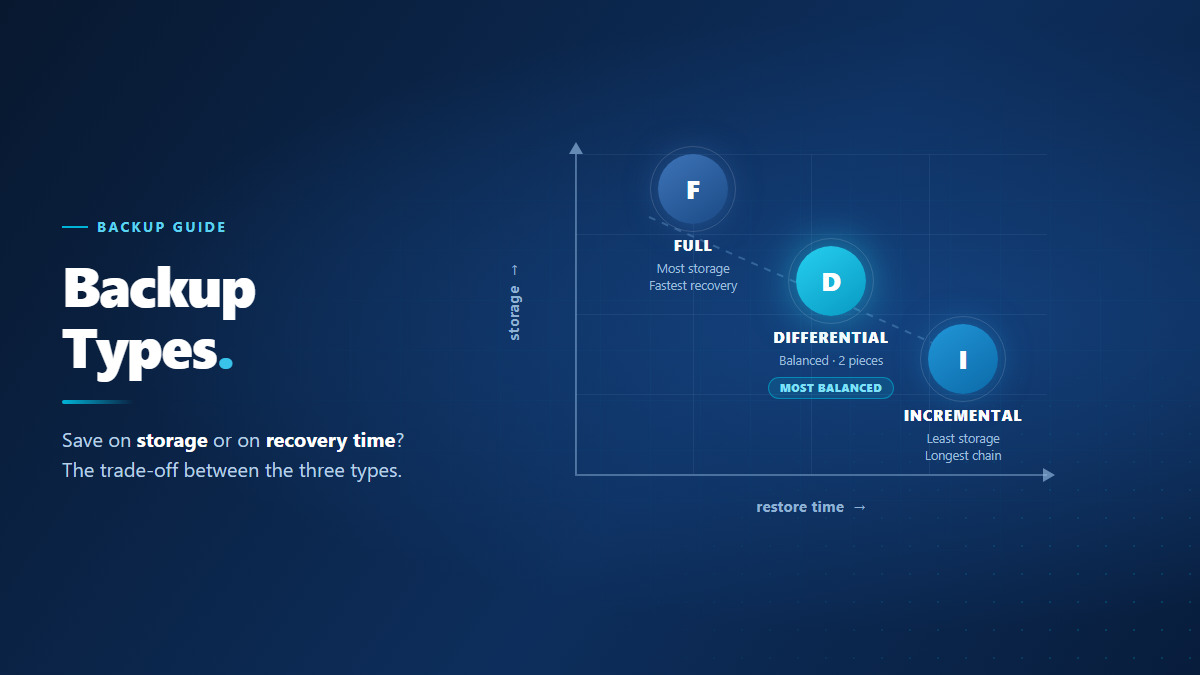
How full, incremental and differential backups work, how much space each one uses and how much each one adds to your recovery time — plus which to pick in which scenario.
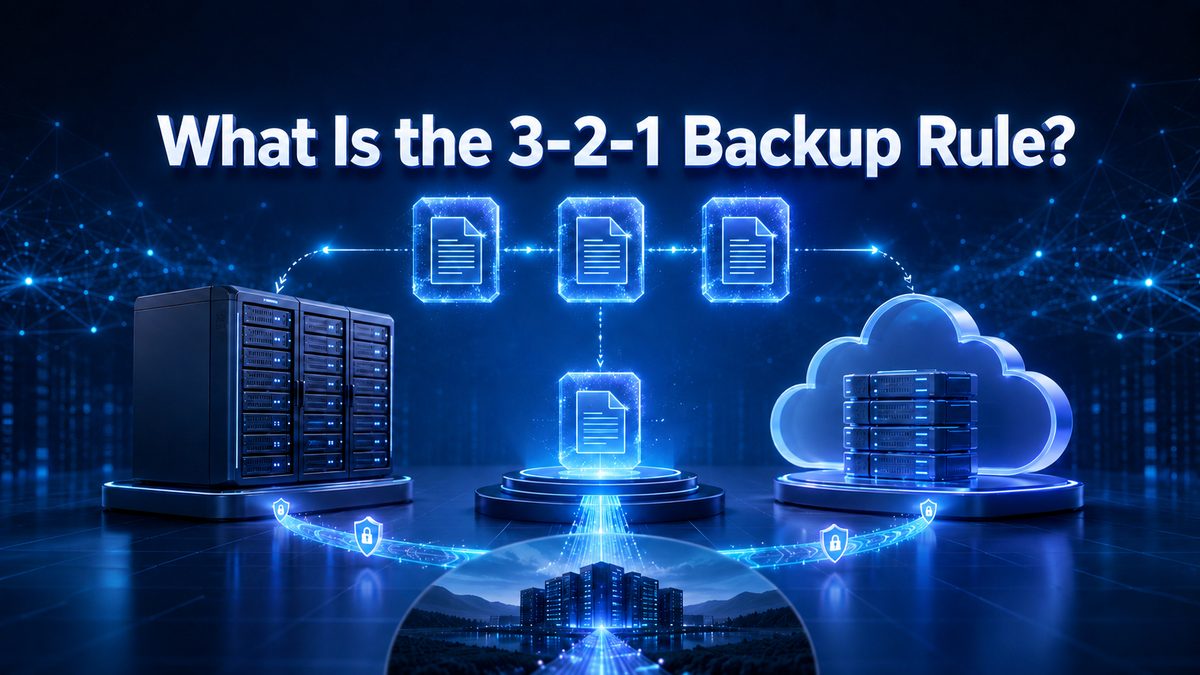
Three copies, two different media, one off-site: what the 3-2-1 backup rule means, why it works, and how to put it in place at your company step by step.
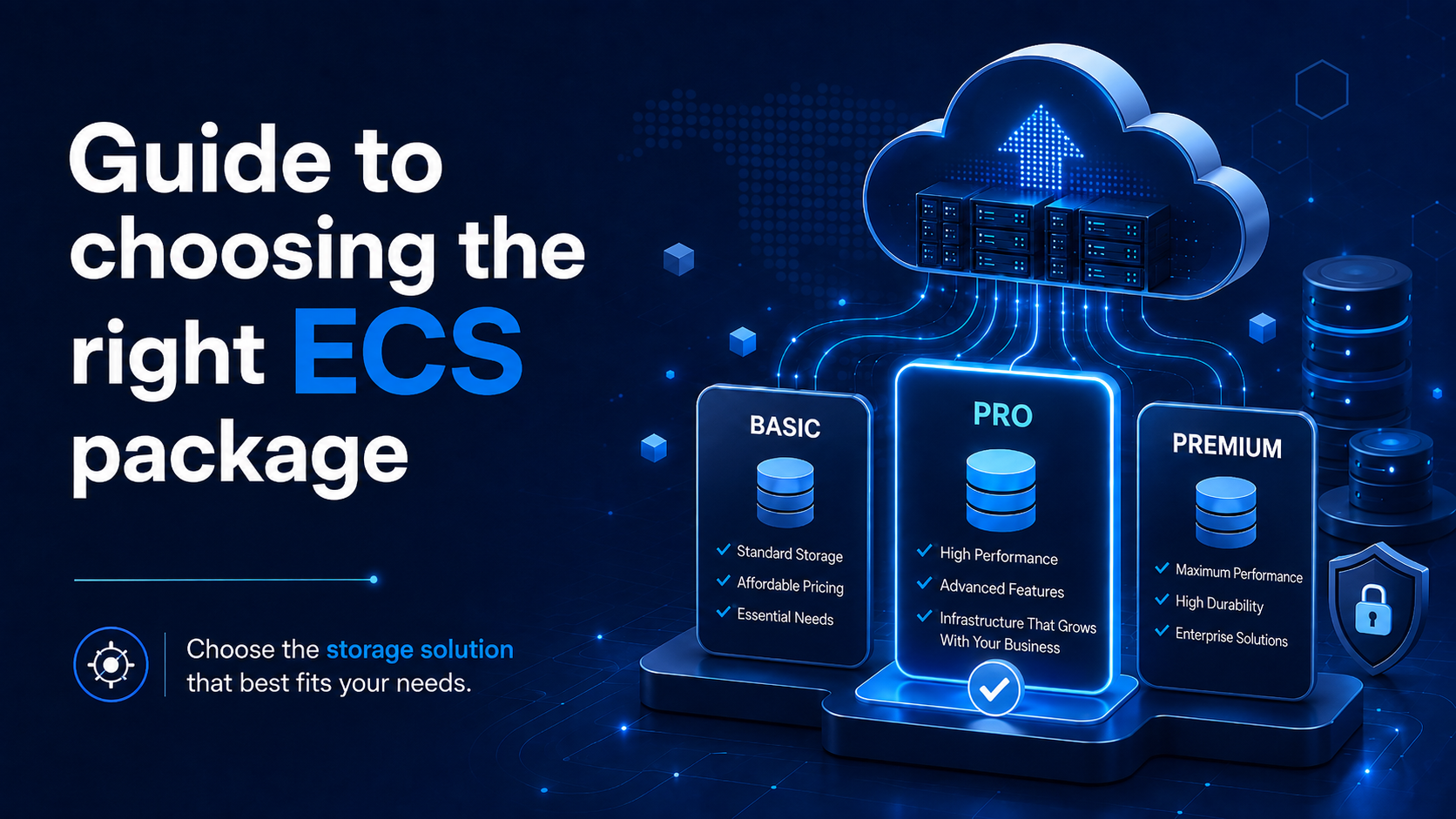
Five cloud server plans from ECS 1 to ECS 5: match vCPU, RAM and disk to your workload, scale later without a rebuild, and decide on the extras that sit outside the plan.
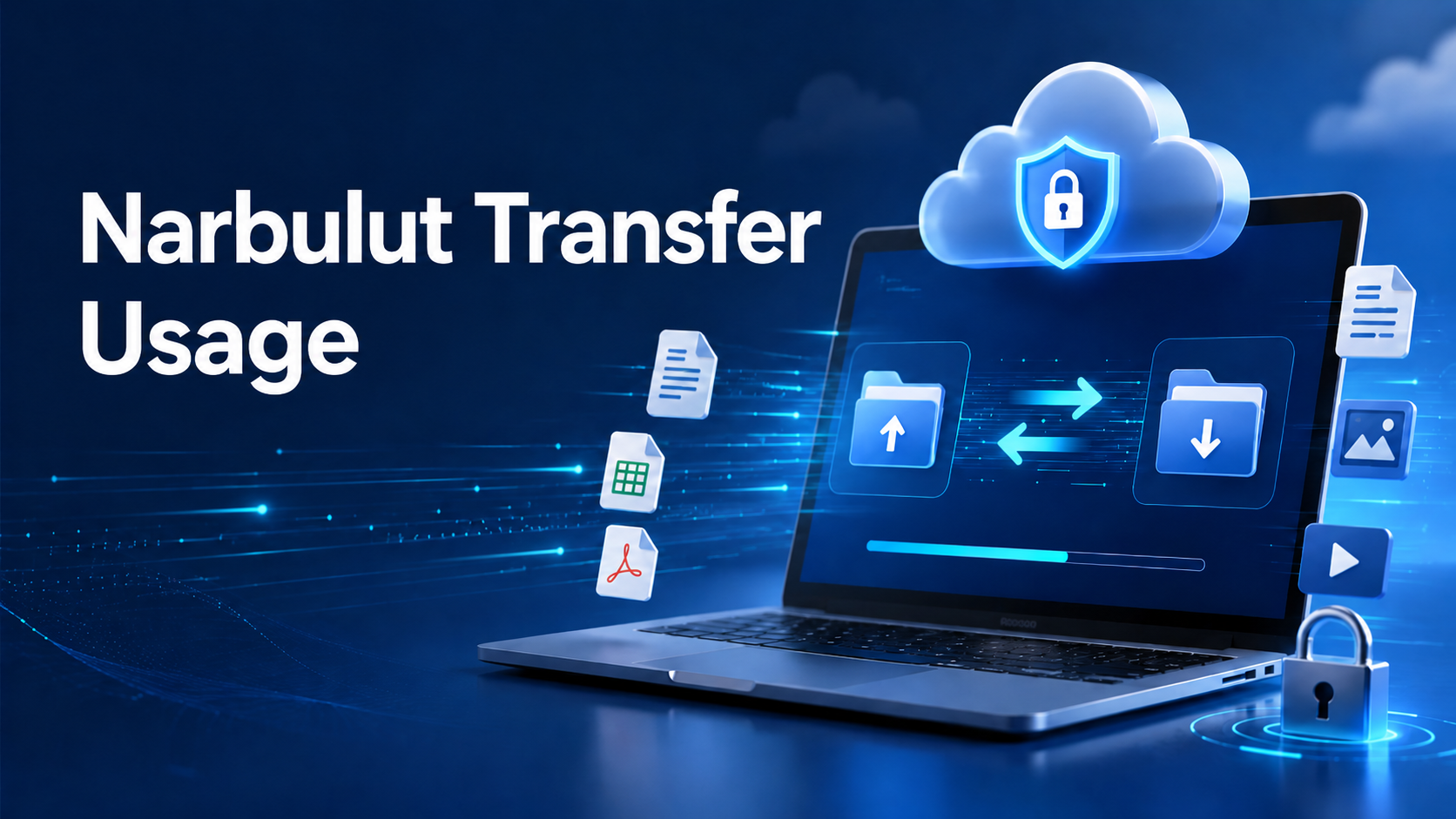
Stop fighting email attachment size limits. With Narbulut Transfer, send files up to 20 GB — free, encrypted and with no sign-up required.
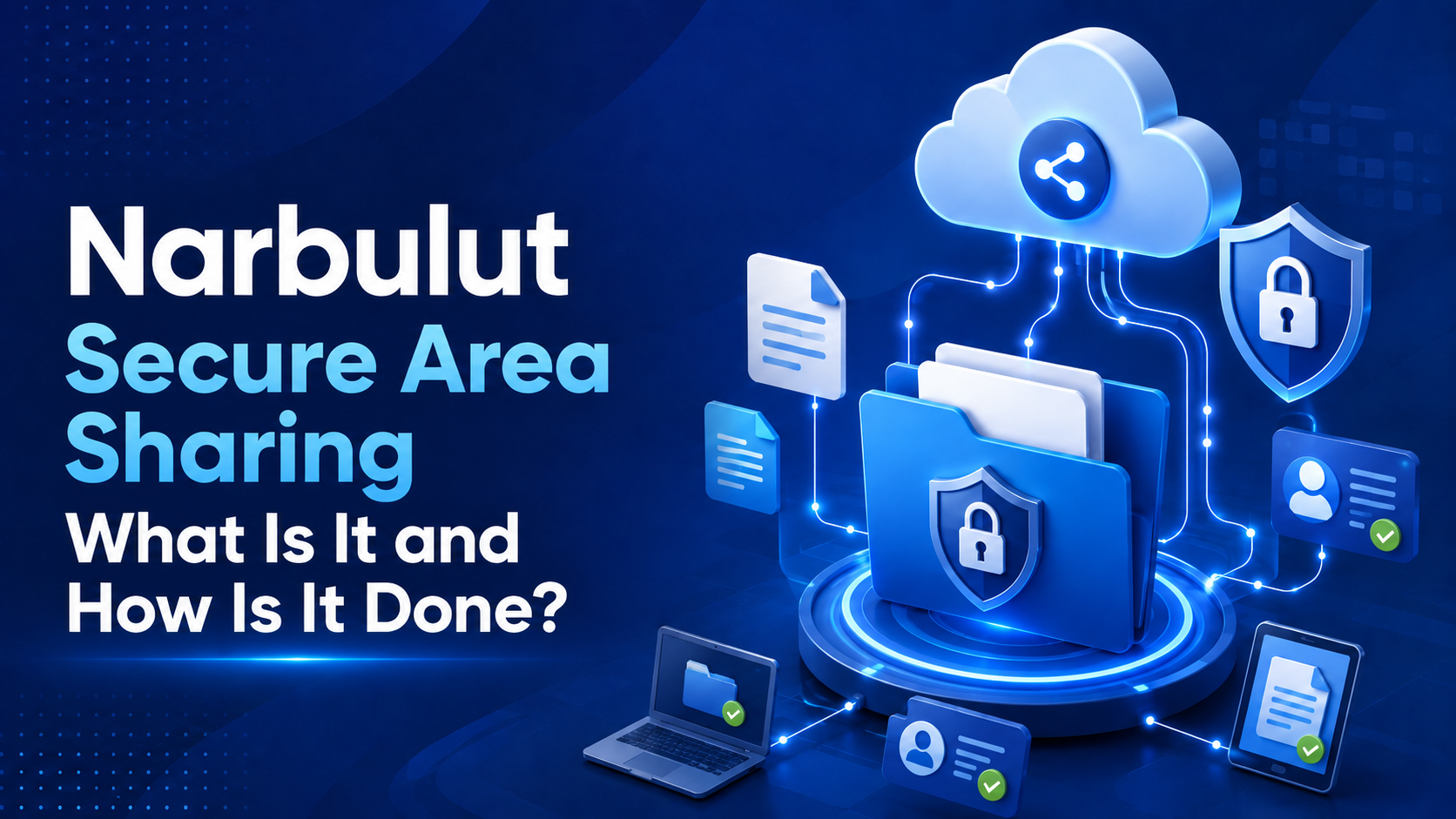
Narbulut nDocs secure sharing keeps control of who you share with, which permissions you grant, and a record of every action. File/folder sharing, permission matrix, download links, IP restriction and activity logs — step by step.
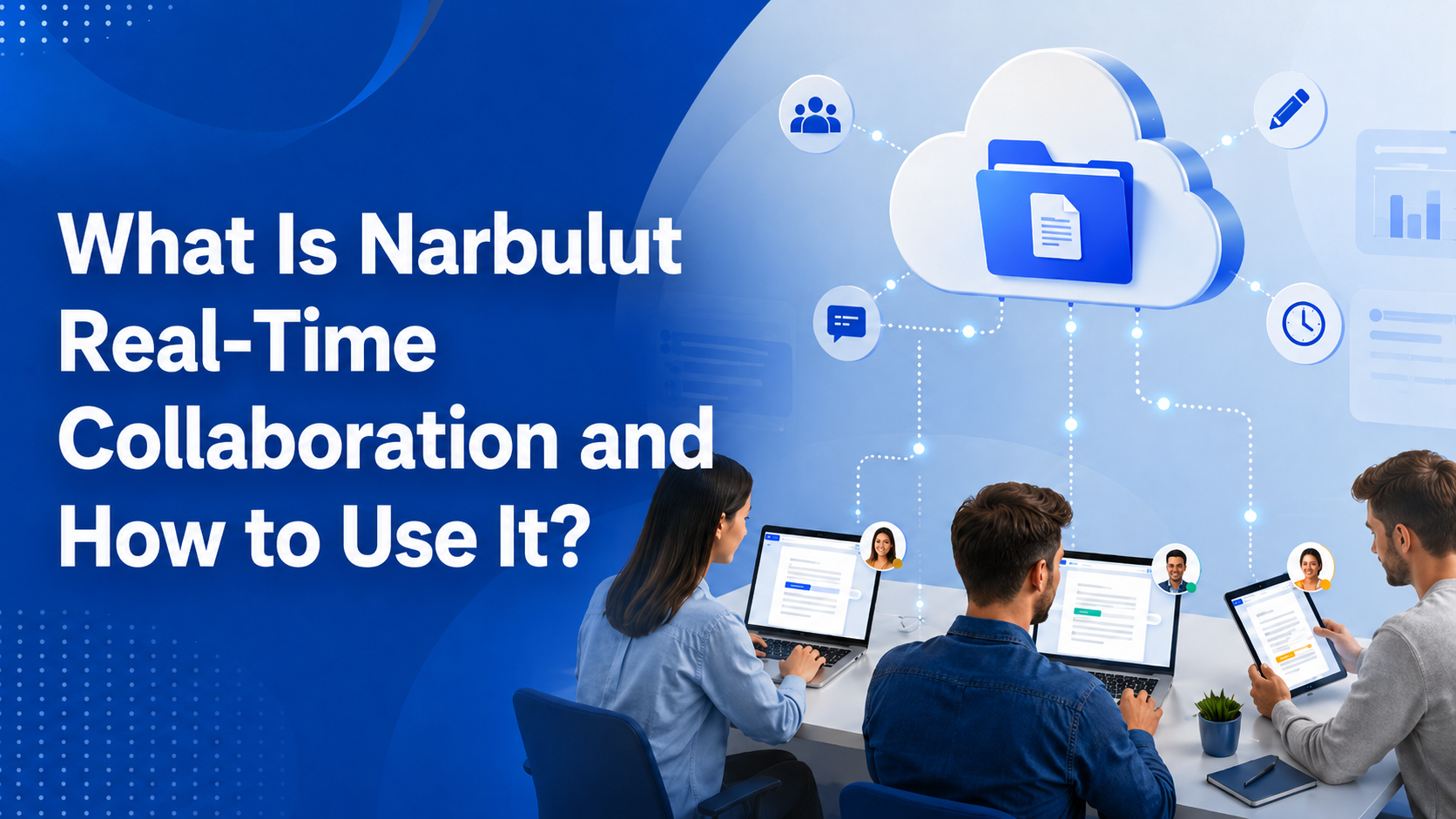
With Narbulut nDocs, multiple people edit the same Excel, Word or PowerPoint document in the browser at once. Live cursor tracking, active users, instant sync, comments and auto-save — real-time collaboration, step by step.
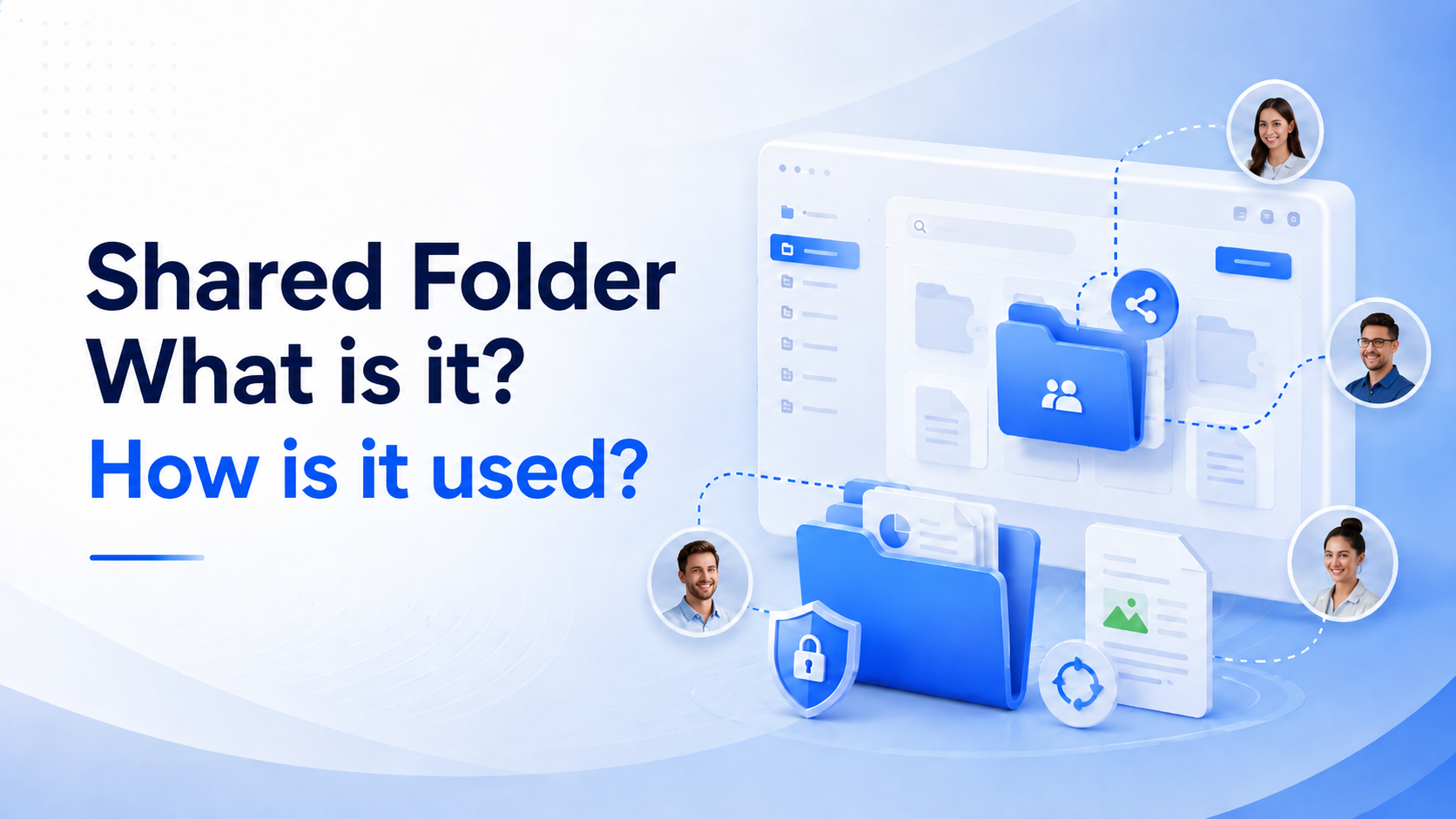
Narbulut Shared Spaces is a central workspace that gathers your team's files in one place, with user-based permissions and activity logs. What a Shared Space is, and how to create, share and manage it — a step-by-step guide.
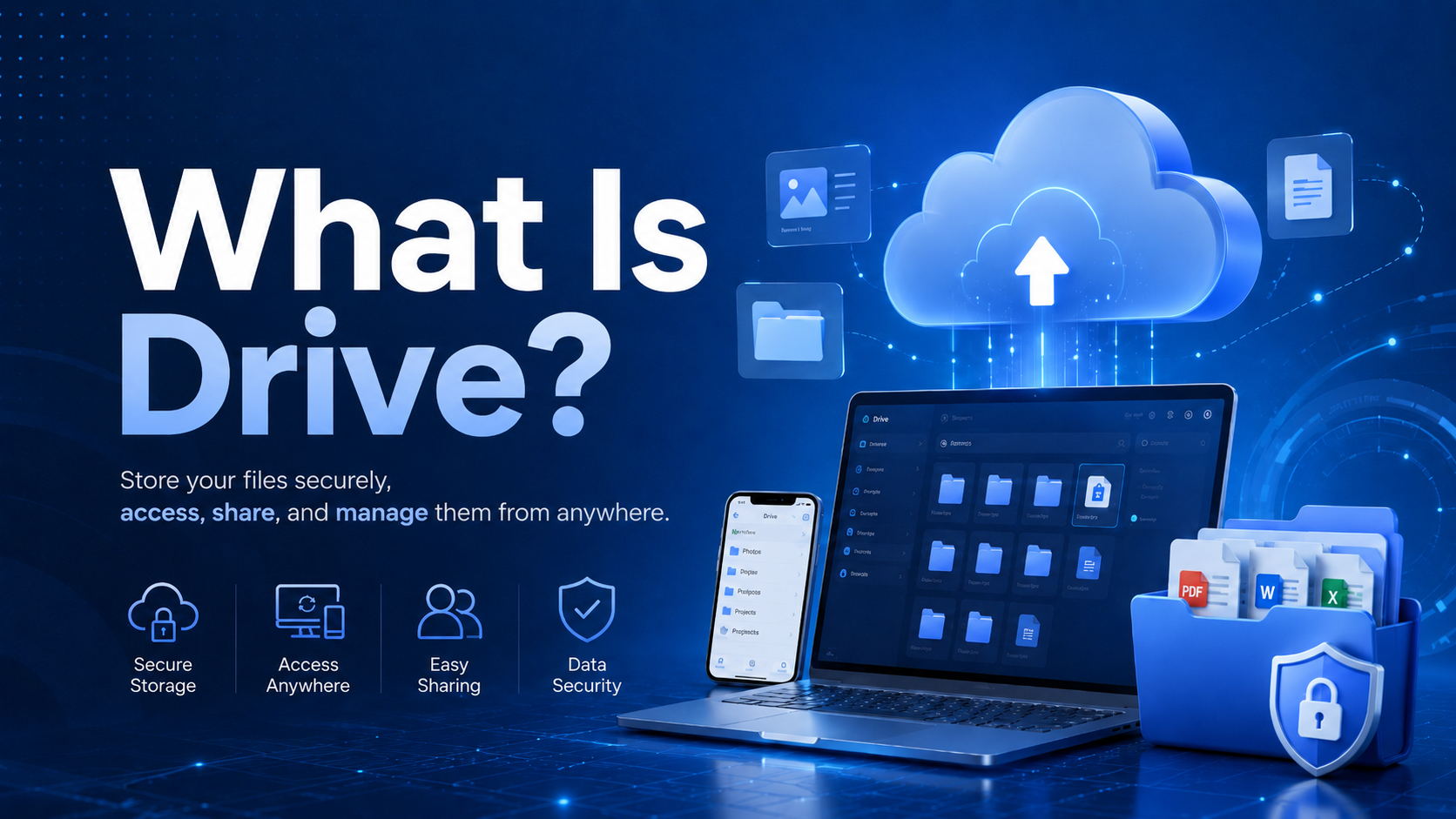
What is a Drive (cloud drive) and how does synchronization work? We explain two-way and block-level sync, sync types, conflicts and version history step by step.
Three built-in ways to back up Windows 11: full system image, File History and a recovery drive. A step-by-step guide, the 3-2-1 rule and PDPL-compliant backup.
How do you back up a MongoDB database? Logical backup with mongodump, physical backup with filesystem snapshots, and cloud-based managed backup — a step-by-step hands-on guide.
How do you back up a Firebird (FirebirdSQL) 5.0 database? Logical backup with gbak, physical and incremental backup with nbackup, parallel backup, restore, and automation — a step-by-step hands-on guide.
How do you back up a PostgreSQL database? Step-by-step backup with pg_dump, pg_dumpall, pgAdmin, and pg_basebackup, plus PITR, restore, and automation — a screenshot-based hands-on guide.

