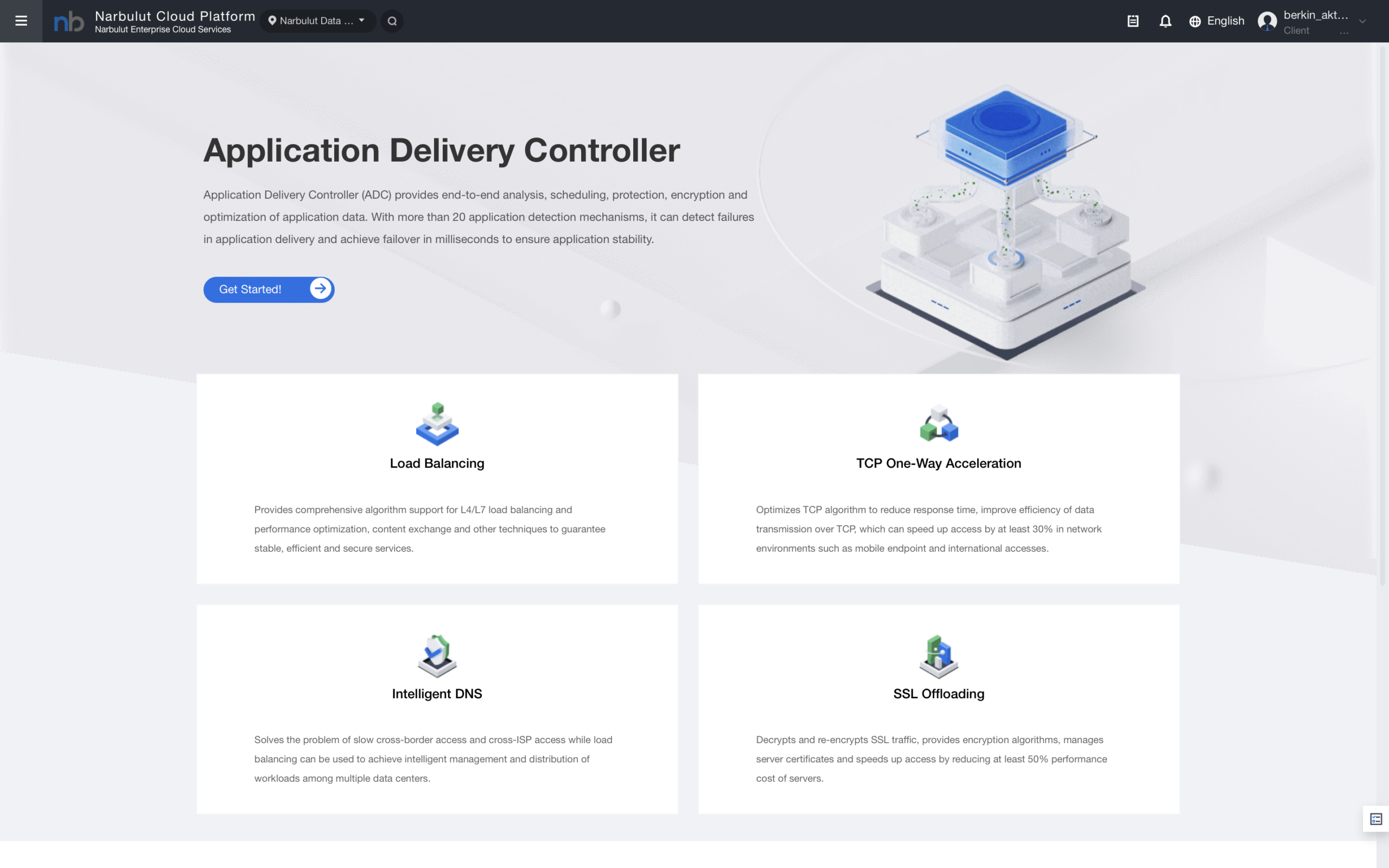
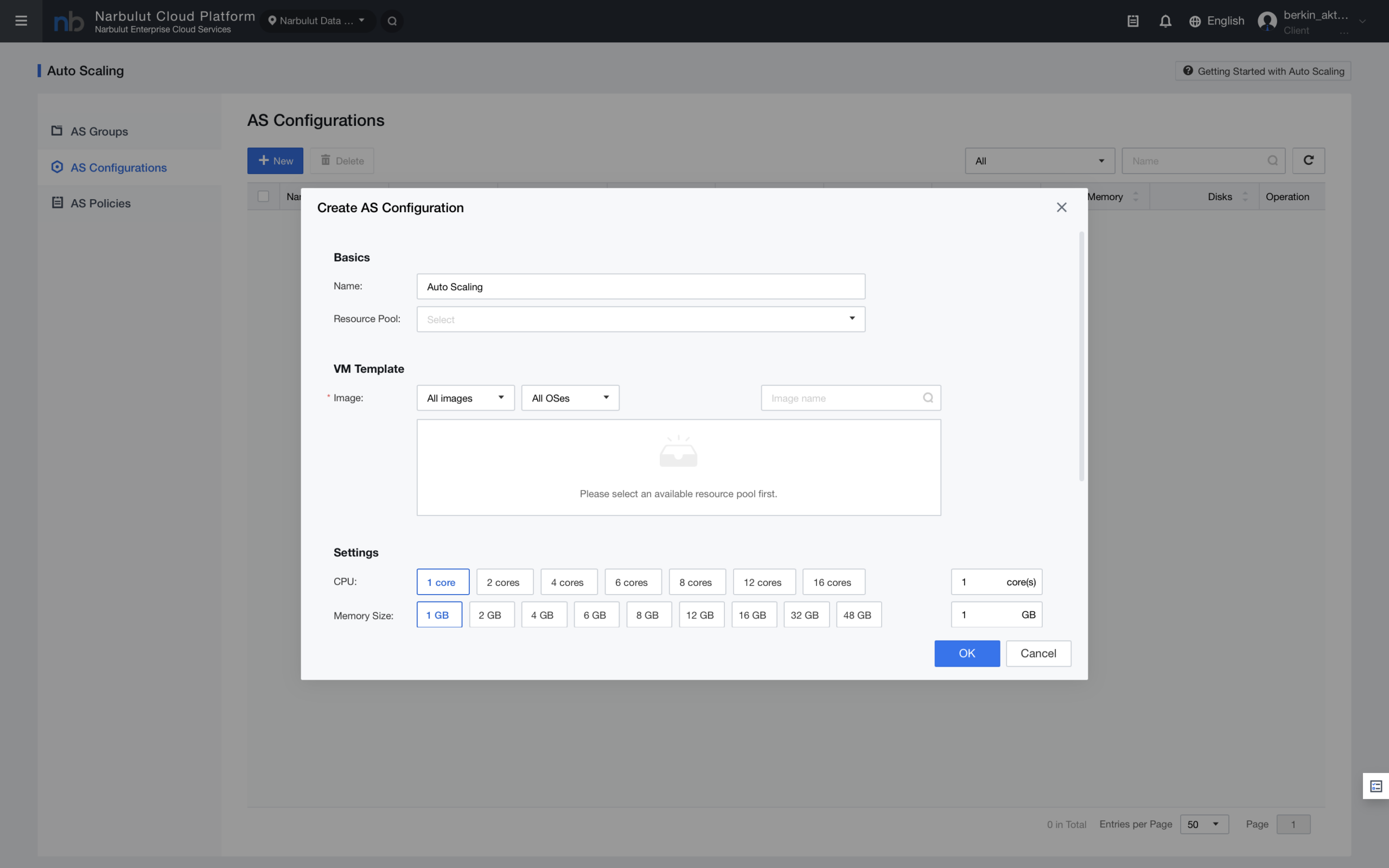
Don't let your server crash when thousands of people suddenly visit your site. With Narbulut Auto Scaling, your system resources automatically increase with visitor traffic and shrink during quiet times
Guaranteed Performance
Your site continues to run at its original speed even during unexpected visitor surges
Efficient Budget
Servers shut down when nighttime traffic decreases; you don't pay for resources you don't use
Full Automation
Your technical team doesn't need to deal with spinning up servers at midnight — the system manages itself
Dynamic Resource Management
Don't get stuck with static server plans. Let the system adjust its own size based on demand
Automatic Triggering: Define rules such as "Open new server if CPU exceeds 80%".
Fast Reaction: When traffic increases, the system activates new servers within seconds.
Load Balancing Integration: Newly launched servers are automatically connected to the load balancer.
Balance of Cost and Performance
Keep customer satisfaction at the highest level while protecting your business budget
Pay Only What You Use: When traffic decreases, the system shuts down extra servers, reducing your bill.
You Set the Limits: Keep your budget under control by determining the maximum and minimum number of servers.
Uninterrupted Service: Your site will never slow down during campaign periods or unexpected traffic spikes.
OTHER FEATURES
Discover other features of Cloud Server.
Explore all features of Cloud Server to manage and protect your data most efficiently. Discover now!
You choose a server template that you prepared in advance. The system creates new servers by copying them from this template. opens so your software and settings are ready.
Yes. You can determine "how many servers will be opened at the same time" in Auto Scaling rules. Very aggressive rules You can prepare the system against sudden explosions by defining
Auto Scaling is generally for web and application servers (Stateless). Managed for database scaling We recommend using our database services or database clusters.
Narbulut Product Analysis
Step 1/12
What area of technological improvement are you planning for your company?
Data Security & BackupRansomware, deleted files and disaster recovery.
Cloud Server (IaaS)Website, ERP, CRM or application hosting.
Team CollaborationSecure file sharing and remote work.
Object Storage (S3)Object Storage for developers.
What industry does your company operate in?
Healthcare / MedicalPatient data (GDPR critical).
Finance / AccountingSensitive financial data.
Manufacturing / EngineeringCAD drawings and production plans.
Other / General ServicesOffice documents and general data.
What type of devices need to be protected?
Employee ComputersLaptop and desktop end-user devices.
Physical / Virtual ServersDatabase, Active Directory or File Server.
What should your backup strategy be?
File & Folder BasedOnly important business files (XLS, PDF, SQL) should be backed up.
Full Disk ImageBack up "Everything" including the operating system.
What is your upload speed for cloud backup?
Fiber / High SpeedI can send large data quickly.
Standard / ADSLMy speed is limited, compression is important.
Is ransomware a threat?
Yes, Very CriticalWe have experienced it before or are at risk.
Standard Protection is SufficientBasic backup measures are enough.
How long would you like to keep versions?
30 - 90 DaysTo fix recent errors.
1 Year and AboveLegal requirements or archiving.
What will be the primary purpose of the server?
E-Commerce / WebsiteHigh uptime and speed required.
ERP / Accounting SoftwareDatabase performance is important.
Software DevelopmentFlexible resource management.
What infrastructure do you need?
Windows ServerASP.NET, MSSQL, RDP.
Linux (Ubuntu/CentOS)PHP, Python, MySQL, Docker.
What is the estimated user traffic?
Low / MediumEntry level or new project.
High TrafficHeavy campaigns or many users.
Who will manage the server?
I Will Manage ItI have a technical team, root access is enough.
I Need SupportManaged Services required.
How many people will work in the shared workspace?