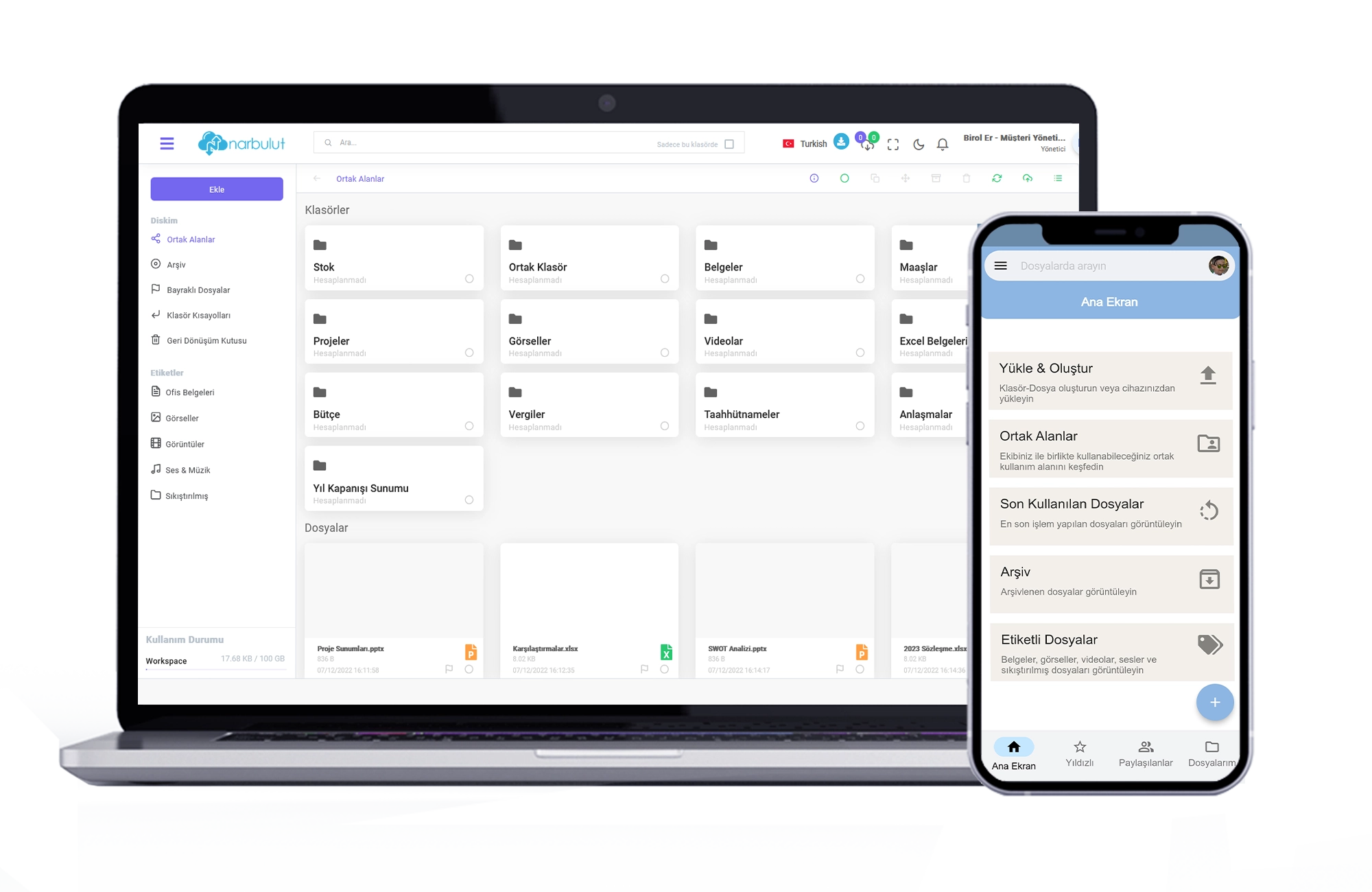
Create a shared space with nDocs Workspace. Authorize your users. This way, you can create content at the same time with your team and collaborate more efficiently
Track every change in your documents
With Narbulut's versioning feature, all your work is safe. You can easily access the versions of all the changes you have made
Create a collaborative workspace with nDocs Workspace!
You can follow the changes made to the files you work with on a user-based basis. See version history. You can follow the work of all your users
Work more efficiently with nDocs workspace
Delegate and Share
Narbulut offers individual workspaces for each user, apart from the common area. In this way, you can create your own content. You can also share these contents with internal and external users and create your own private workspace
Protect yourself from cyber attacks
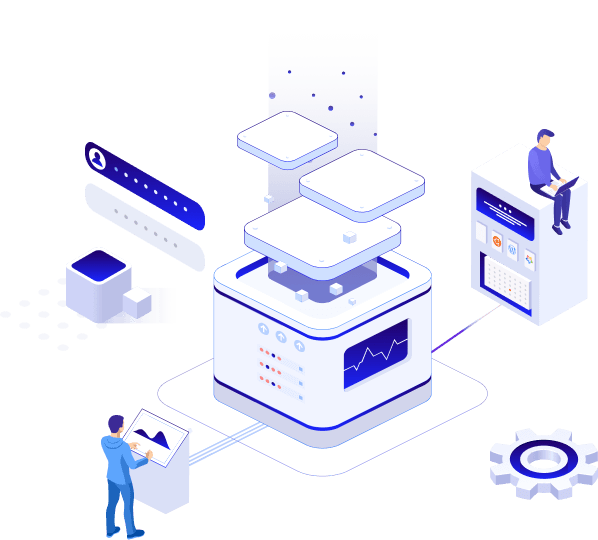
With Narbulut security policies, you are protected from cyber attacks, malware and ransomware. You can access your files securely with nDocs Workspace
Complete Protection from Ransomware (Cryptolocker)
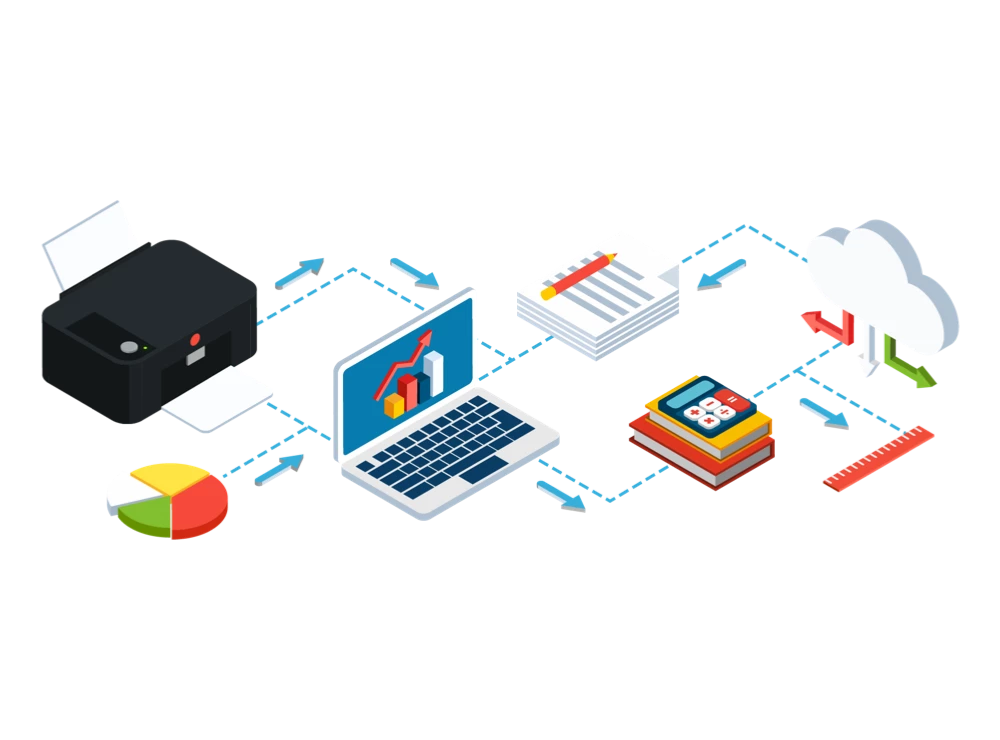
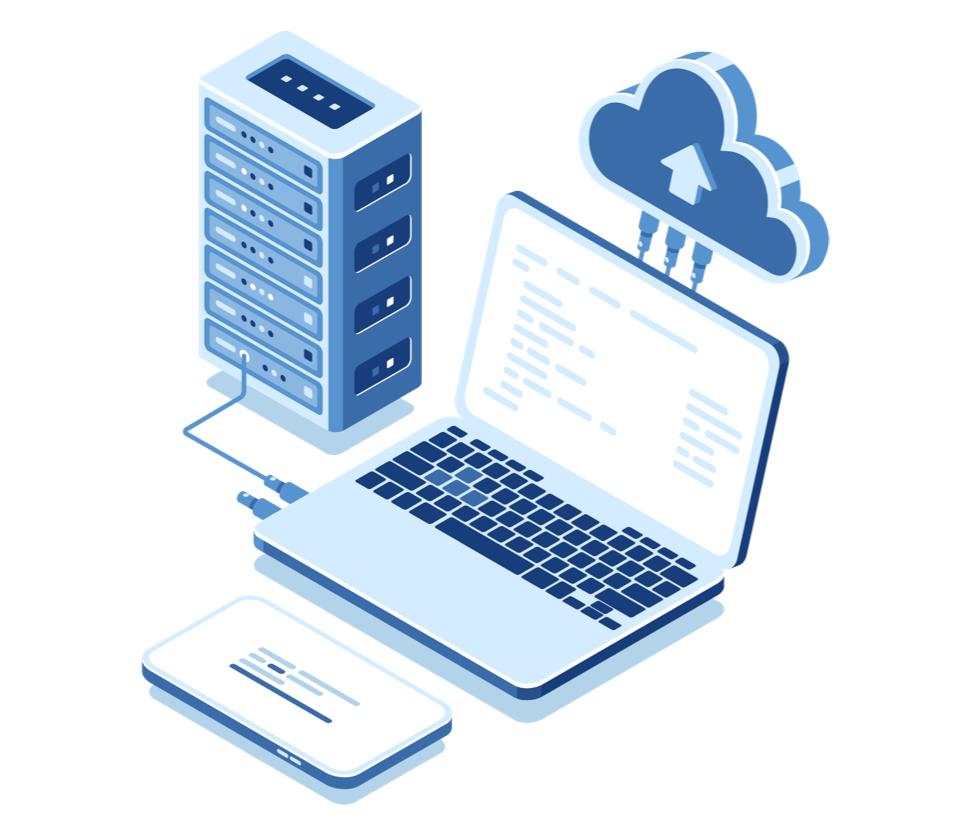
Narbulut provides built-in protection against malware. Since you work in the cloud with nDocs Workspace, it eliminates the need to store your files on the device. It minimizes your risk of data loss
Narbulut Product Analysis
Step 1/12
What area of technological improvement are you planning for your company?
Data Security & BackupRansomware, deleted files and disaster recovery.
Cloud Server (IaaS)Website, ERP, CRM or application hosting.
Team CollaborationSecure file sharing and remote work.
Object Storage (S3)Object Storage for developers.
What industry does your company operate in?
Healthcare / MedicalPatient data (GDPR critical).
Finance / AccountingSensitive financial data.
Manufacturing / EngineeringCAD drawings and production plans.
Other / General ServicesOffice documents and general data.
What type of devices need to be protected?
Employee ComputersLaptop and desktop end-user devices.
Physical / Virtual ServersDatabase, Active Directory or File Server.
What should your backup strategy be?
File & Folder BasedOnly important business files (XLS, PDF, SQL) should be backed up.
Full Disk ImageBack up "Everything" including the operating system.
What is your upload speed for cloud backup?
Fiber / High SpeedI can send large data quickly.
Standard / ADSLMy speed is limited, compression is important.
Is ransomware a threat?
Yes, Very CriticalWe have experienced it before or are at risk.
Standard Protection is SufficientBasic backup measures are enough.
How long would you like to keep versions?
30 - 90 DaysTo fix recent errors.
1 Year and AboveLegal requirements or archiving.
What will be the primary purpose of the server?
E-Commerce / WebsiteHigh uptime and speed required.
ERP / Accounting SoftwareDatabase performance is important.
Software DevelopmentFlexible resource management.
What infrastructure do you need?
Windows ServerASP.NET, MSSQL, RDP.
Linux (Ubuntu/CentOS)PHP, Python, MySQL, Docker.
What is the estimated user traffic?
Low / MediumEntry level or new project.
High TrafficHeavy campaigns or many users.
Who will manage the server?
I Will Manage ItI have a technical team, root access is enough.
I Need SupportManaged Services required.
How many people will work in the shared workspace?