Introduction
Opening an email on your phone and continuing to read it from your computer where you left off, never losing your photos even when your device is lost, accessing your company’s accounting software from outside the office… Cloud technology sits behind all of these.
A concept that has reshaped the language of business over the last decade, the cloud is in fact an infrastructure that most users benefit from every day without realizing it. So what exactly is cloud technology, how does it work behind the scenes, and why has it become so critical for your business? In this article we look at the cloud in its simplest form — both as a technical infrastructure and as a business strategy.
What Is Cloud Technology?
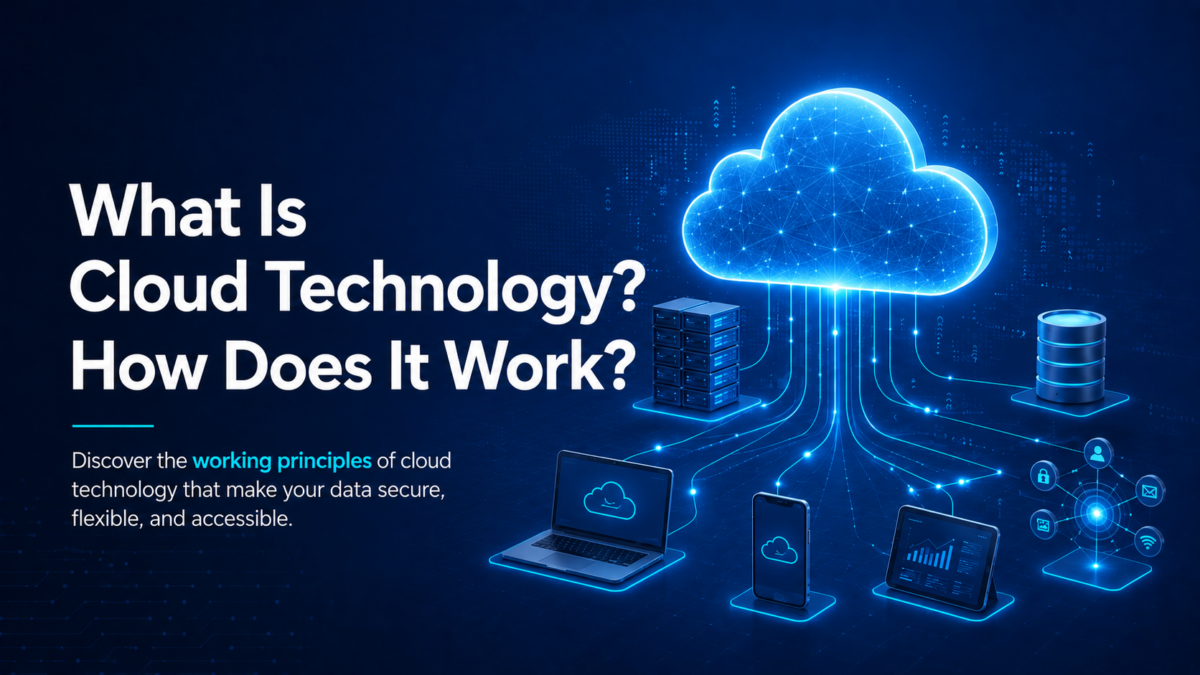
Cloud technology (cloud computing) is the on-demand delivery of computing resources — storage, servers, databases, networking, software, and analytics — over the internet, i.e. through “the cloud.”
In the traditional model, a company installs servers in its own building to run the software it needs, buys licenses, maintains them, and pays the electricity bill. In the cloud model, that infrastructure lives in a service provider’s data center; you only use what you need, when you need it, over the internet.
To sum it up: the cloud is a computing model built on “using” instead of “owning.” Like using mains water instead of digging your own well — the infrastructure is someone else’s responsibility, you just turn the tap on and use it.
How Does Cloud Technology Work?
At the heart of the cloud are data centers. These are massive facilities where thousands of servers, storage units, and network devices run 24/7 in high-security environments. We can summarize how it works in four core steps:
1. Virtualization Layer
The cloud provider uses “virtualization” technology to split physical servers into hundreds of small virtual machines. This way a single physical server can serve many independent customers at the same time.
2. On-Demand Resource Allocation
When a user activates a cloud service, the system assigns processing power, RAM, and storage based on the current need. When demand grows, resources are automatically scaled up; when demand drops, they are scaled back down.
3. Access Over the Internet
The user connects to these resources over the internet via a web browser, a mobile app, or a client application. Data is transferred over encrypted channels.
4. Backup and Distributed Architecture
Your data is not kept on a single server; it is replicated across geographically separate data centers. Even if a server fails, the service continues uninterrupted.
Technical advantage: Costs go down because resources are shared, and reliability goes up because the architecture is distributed.
Cloud Types: Which One Is Right for You?
Not all cloud solutions are the same. There are three core deployment models, depending on the need:
Public Cloud
A model where the service is delivered over the internet on infrastructure shared with multiple customers. The cost advantage is highest; it’s the ideal starting point for small and medium-sized businesses.
Private Cloud
A model where the infrastructure is dedicated to a single organization. It’s preferred in sectors with strict data privacy requirements such as banking, healthcare, and government. The cost is higher, but the level of control and security is maximum.
Hybrid Cloud
A blended structure where public and private clouds are used together. Sensitive data lives in the private cloud, less critical workloads in the public cloud. In Türkiye, this has become an increasingly common preference for PDPL compliance.
Cloud Service Models: IaaS, PaaS, SaaS
We split cloud services into three main models based on “how much the provider manages vs. how much you manage”:
IaaS (Infrastructure as a Service)
The provider offers you the bare infrastructure (virtual servers, storage, network); you manage the operating system and everything above it.
PaaS (Platform as a Service)
The provider supplies the operating system and development environment on top of the infrastructure. You focus only on developing your application.
SaaS (Software as a Service)
The entire software runs in the cloud; you only use it. Services like Gmail, Office 365, and Salesforce fall into this category.
These three models address different needs along a business’s cloud journey — some want developer flexibility, others just want to start using something fast.
Benefits of Cloud Technology for Businesses
What truly makes the cloud attractive, beyond its technical features, are the concrete gains it delivers to the business world:
Cost Advantage
Large capital expenditures (CAPEX) for servers, licenses, cooling, electricity, and IT staff turn into predictable monthly operating expenses (OPEX). You only pay for what you use.
Scalability
Picture an e-commerce site with seasonal spikes — scaling your infrastructure 10x during a sudden traffic surge and back down the next week takes minutes. In traditional infrastructure, that would be a multi-month, six-figure investment.
Access from Anywhere
The cloud built the foundation for the post-pandemic hybrid work model. Employees can securely access business data from authorized devices anywhere in the world.
Fast Deployment
Putting a new application live used to mean weeks of ordering, installing, and configuring servers. In the cloud, that process has dropped to minutes.
Automatic Updates
Software updates and security patches are handled by the provider in the background. Your IT team focuses on “building” instead of “maintenance.”
Sustainability
Shared, efficiently used data centers consume far less energy than every company running its own server room.
Security and Disaster Recovery: The Most Critical Dimension of the Cloud
The most common concern about the cloud is: “Is my data really safe on someone else’s server?” It’s a fair question — but one that has largely been answered.
Professional cloud providers combine many layers at once: multi-layered firewalls, end-to-end encryption (at rest & in transit), regular penetration testing, international certifications like ISO 27001, physical data center security, and 24/7 monitoring operations. No single SMB can build any of these on its own at this cost.
But perhaps the cloud’s strongest area is disaster recovery (DR). Traditional DR strategies — building a secondary data center, maintaining standby server infrastructure, shipping physical media to remote locations — are both expensive and slow to deploy. Cloud-based disaster recovery (DRaaS) solutions, on the other hand:
- Replicate your data simultaneously across geographically separate data centers; even in a local disaster, your workloads come back online in a very short time.
- Provide instant failover to backup infrastructure during a disaster, keeping business continuity uninterrupted.
- Retain historical versions; in cyber attacks like ransomware, you can roll back cleanly to a pre-attack state.
- Make recovery time (RTO) and acceptable data loss (RPO) measurable and contractually guaranteed.
Given the data accountability obligations introduced by regulations like PDPL and GDPR, cloud-based disaster recovery is no longer a luxury — it has become a necessity for operational continuity.
The Future of Cloud Technology
The cloud is no longer a “new” technology; it’s the foundation on which new technologies are built. Training artificial intelligence and machine learning models, processing data streams from IoT devices, edge computing architectures — all of these are evolving on top of cloud infrastructure. In the years ahead, the question businesses need to ask is no longer “should I move to the cloud?” but “with what strategy and how deeply should I use it?”
Bring Cloud Technology to Your Business with Narbulut
All the possibilities cloud technology offers — flexibility, scalability, cost advantage, security — only realize their true value when you work with the right cloud provider. This is exactly where Narbulut, Türkiye’s domestic cloud solutions provider, stands by businesses.
High-Performance Infrastructure
100% NVMe SSD storage, latest-generation processors, high-bandwidth networking. Narbulut ECS (Enterprise Cloud Service) runs your applications with low latency and high IOPS.
Instant Scaling (Elastic Compute)
Scale CPU, RAM and disk capacity up or down in minutes. Add resources during peaks in traffic or workload, scale back during quiet periods — instead of investing in hardware, you pay only for what you use.
Tier-3 Data Center + PDPL Compliance
Your servers are hosted in ISO 27001-certified, 99.9% uptime SLA Tier-3 data centers within Türkiye. Your data stays under Turkish jurisdiction on PDPL-compliant infrastructure.
DDoS Protection, VLAN Isolation, Snapshots
Managed DDoS protection, network-level VLAN isolation, and instant snapshot technology — your servers are protected by enterprise-grade defense against both external attacks and internal errors. Roll back to any point in seconds.
Built-In Automated Backup
The Cloud Server infrastructure backs up your data automatically — without any extra setup on your side. Scheduled backups run in the background; there is no separate backup software to install or manage. Your data is protected from day one.
Who Chooses Narbulut Cloud Server?
Government agencies, financial institutions, healthcare organizations, manufacturers, e-commerce businesses, and SMBs — organizations of every size that care about high performance, local hosting, and operational continuity rely on Narbulut Cloud Server infrastructure to safeguard their workloads.
Explore Our Cloud Server Solutions
High-performance cloud server. 100% NVMe, instant scaling, Tier-3 data center, DDoS protection, snapshot technology, VLAN isolation.
Cloud Server Details →