Table of Contents 1. Prerequisites 2. Overview and Network Architecture 3. VPC and Subnet Management 4. Elastic IP Management 5. Port Open / Close (ACL Rules) 6. Port Forwarding (Destination NAT) 7. VPC Firewall and Distributed Firewall 8. Static Routes and DNS Settings 9. Network Topology 10. NGAF — Web Console, SOC and Policies 11. NGAF — NAT, UTM and Monitoring 12. Best Practices
1. Prerequisites
Before starting network management operations, make sure the following requirements are met:
A Tenant or Co-Administrator account with access to the ECS platform
At least one VPC and Subnet configured
Elastic IP (EIP) assigned
NGAF device active and running
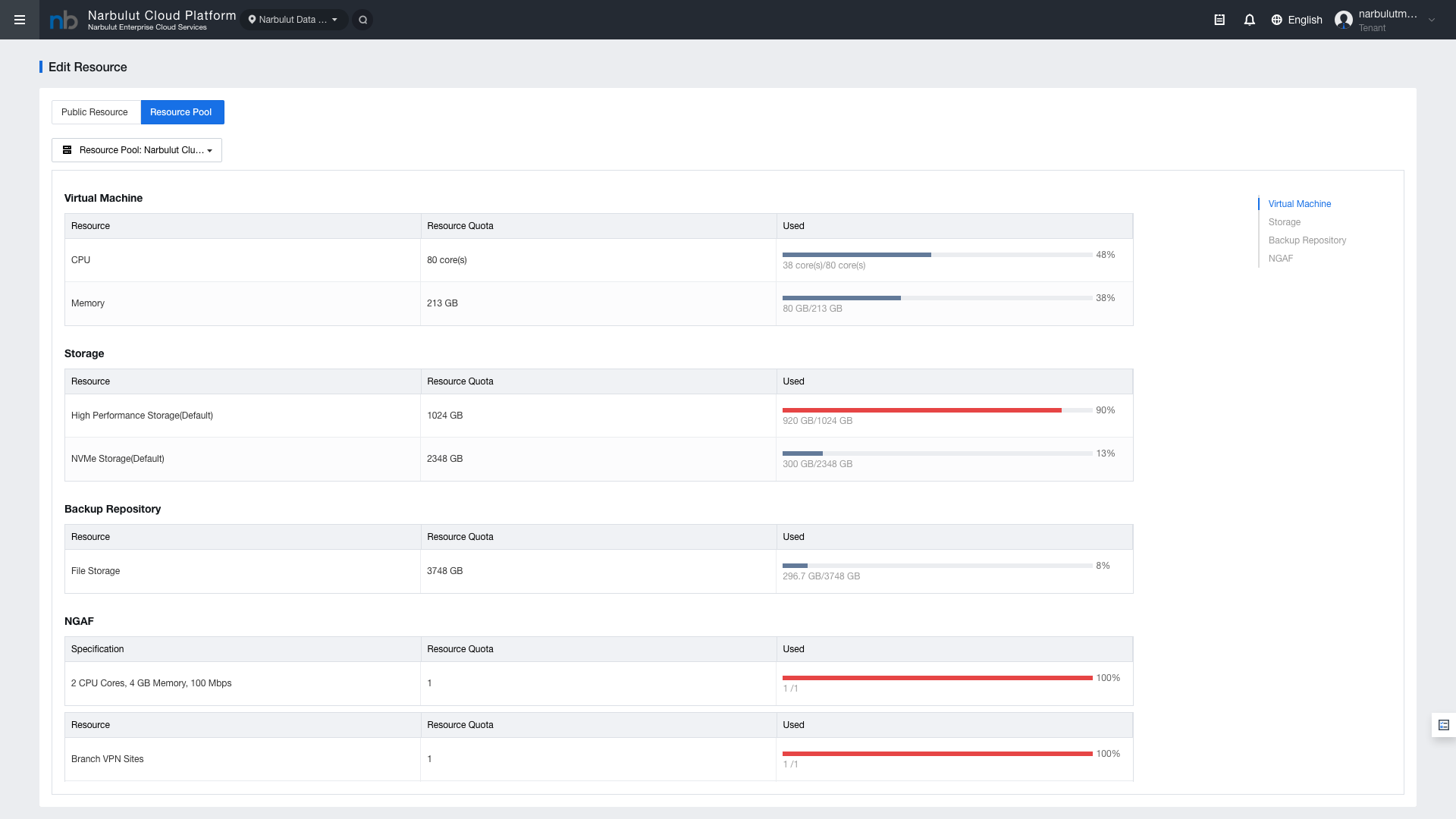
Sufficient resource quota
Figure 1 — Resource Quota page
Resource
Description
Check
EIP (IPv4)
Elastic IP for external access
Public Resource
Bandwidth
Bandwidth limit
Public Resource
CPU / Memory
For VMs and NGAF
Resource Pool
NGAF
Firewall device quota
Resource Pool
SSL VPN Users
VPN user limit
Resource Pool
Tip: If resource quota is insufficient, check the current status from System > Resource Quota and request an increase from the support team if needed.
2. Overview and Network Architecture
The network infrastructure on the ECS platform consists of multiple integrated components. This guide covers the configuration and management of all network components.
Figure 2 — Network Architecture Overview
Component
Description
Access
VPC
Isolated virtual network environment
Network Deployment > VPC
Subnet
Sub-networks within a VPC
VPC > Subnet
Elastic IP
Static IP for external access
IP and Bandwidth
ACL
Port open/close rules
VPC > ACL
Destination NAT
Port forwarding
VPC > Destination NAT
VPC Firewall
VPC-level firewall
Security > VPC Firewall
Distributed Firewall
Inter-VM traffic control
Security > Distributed Firewall
NGAF
Advanced firewall (UTM)
Security > NGAF
Static Route
Custom route definitions
VPC > Static Route
Internal DNS
Internal DNS records
VPC > Internal DNS
Layered Security Model
Layer
Description
VPC Firewall / ACL
Controls traffic between the external network and the VPC
Distributed Firewall
Controls inter-VM traffic within the VPC
NGAF
Advanced packet inspection, IPS/IDS, NAT, UTM, and VPN
Destination NAT
Forwards incoming external traffic to internal resources
3. VPC and Subnet Management
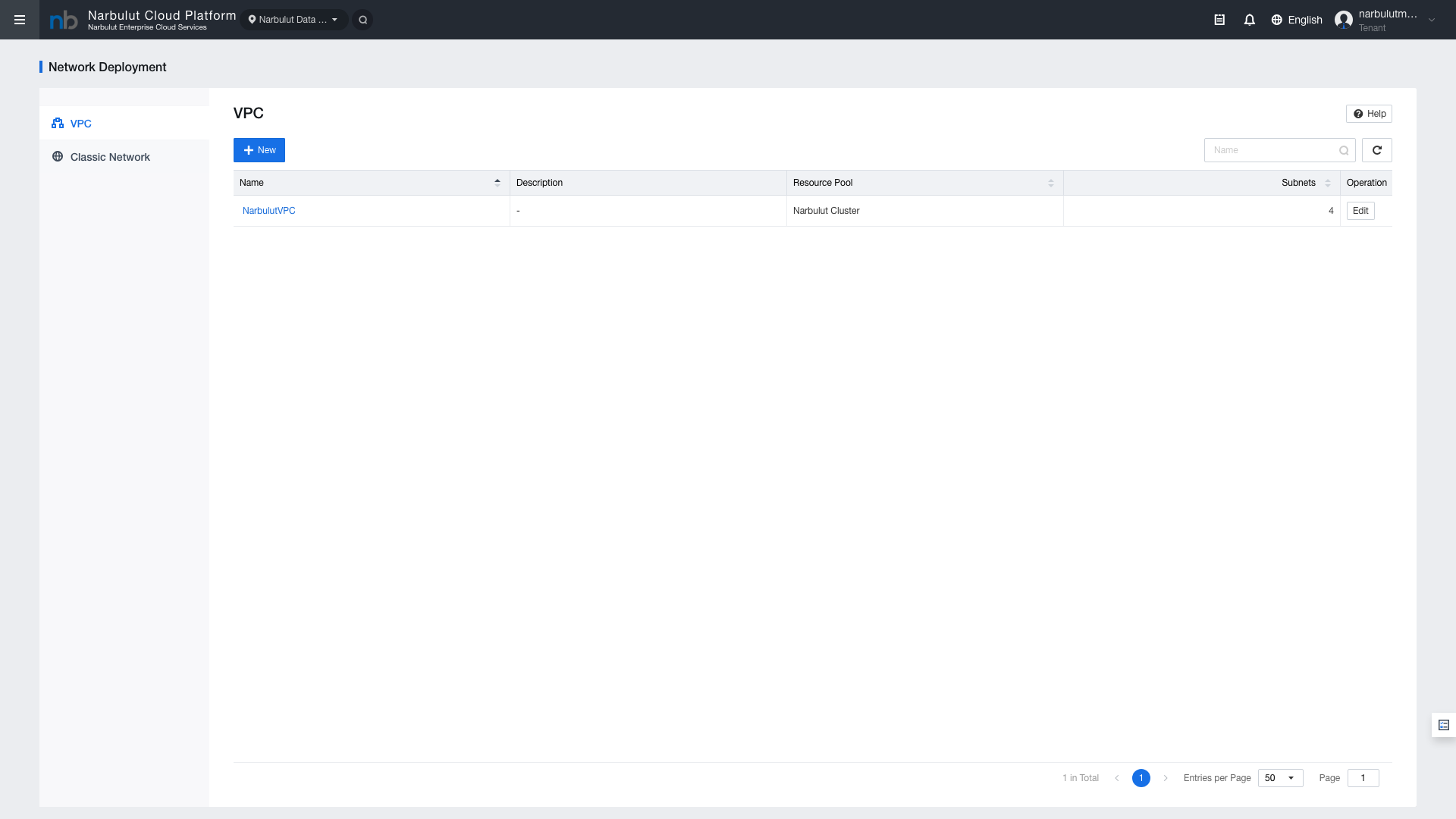
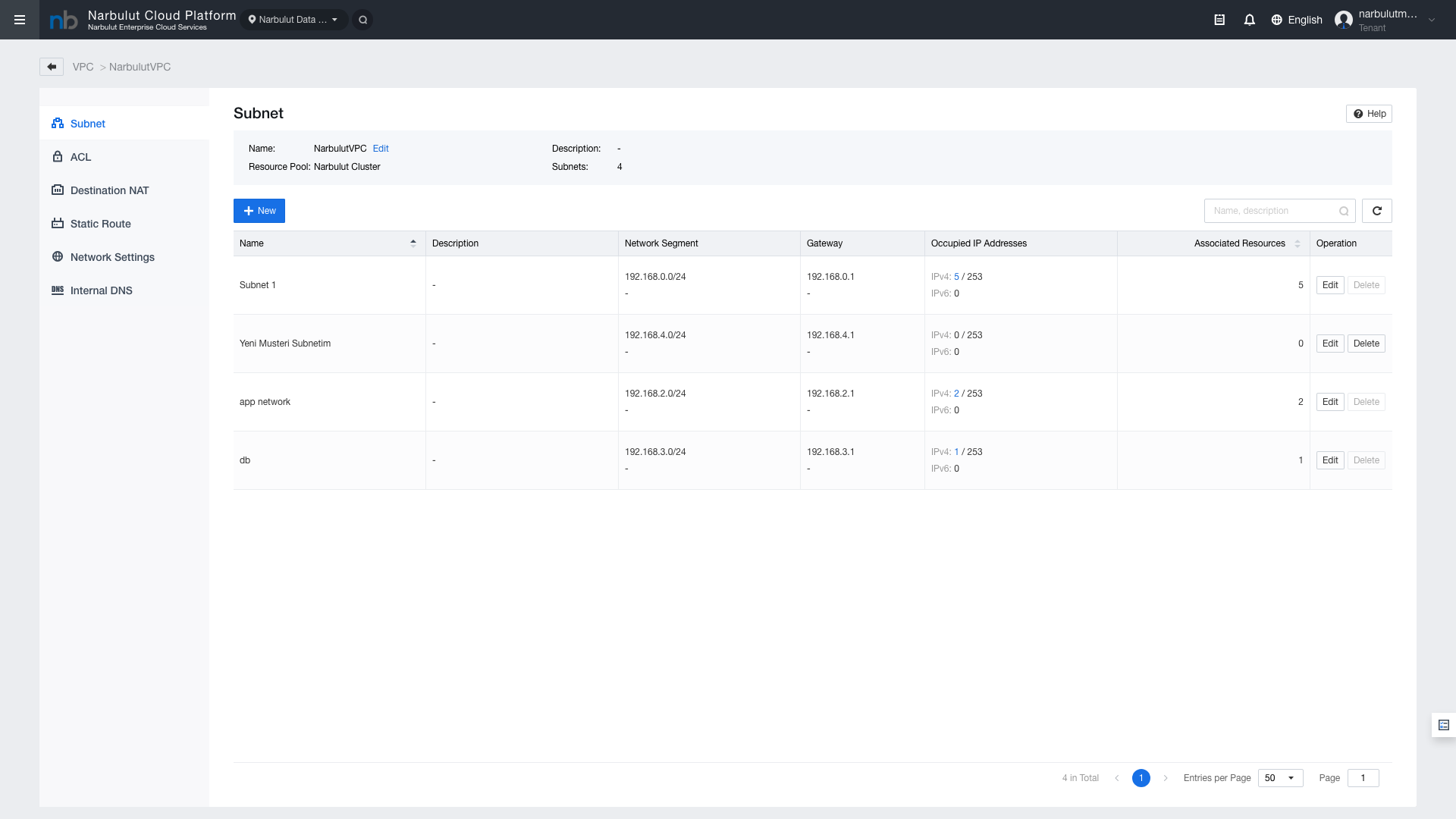
A VPC (Virtual Private Cloud) provides an isolated network environment. Each VPC has its own subnets, routes, and security rules.
Access:Network Deployment > VPC
Figure 3 — VPC List
When you select a VPC, you can view and manage its subnets on the VPC detail page.
Figure 4 — Subnet List
Field
Description
VPC Name
Virtual network environment identifier
CIDR
VPC address range (e.g., 10.0.0.0/16)
Subnet Name
Sub-network identifier
Subnet CIDR
Sub-network address range (e.g., 10.0.1.0/24)
Gateway
Subnet default gateway
VLAN ID
VLAN identifier
Note: The CIDR range cannot be changed after VPC creation. Carefully plan your network address structure during the planning phase.
4. Elastic IP Management
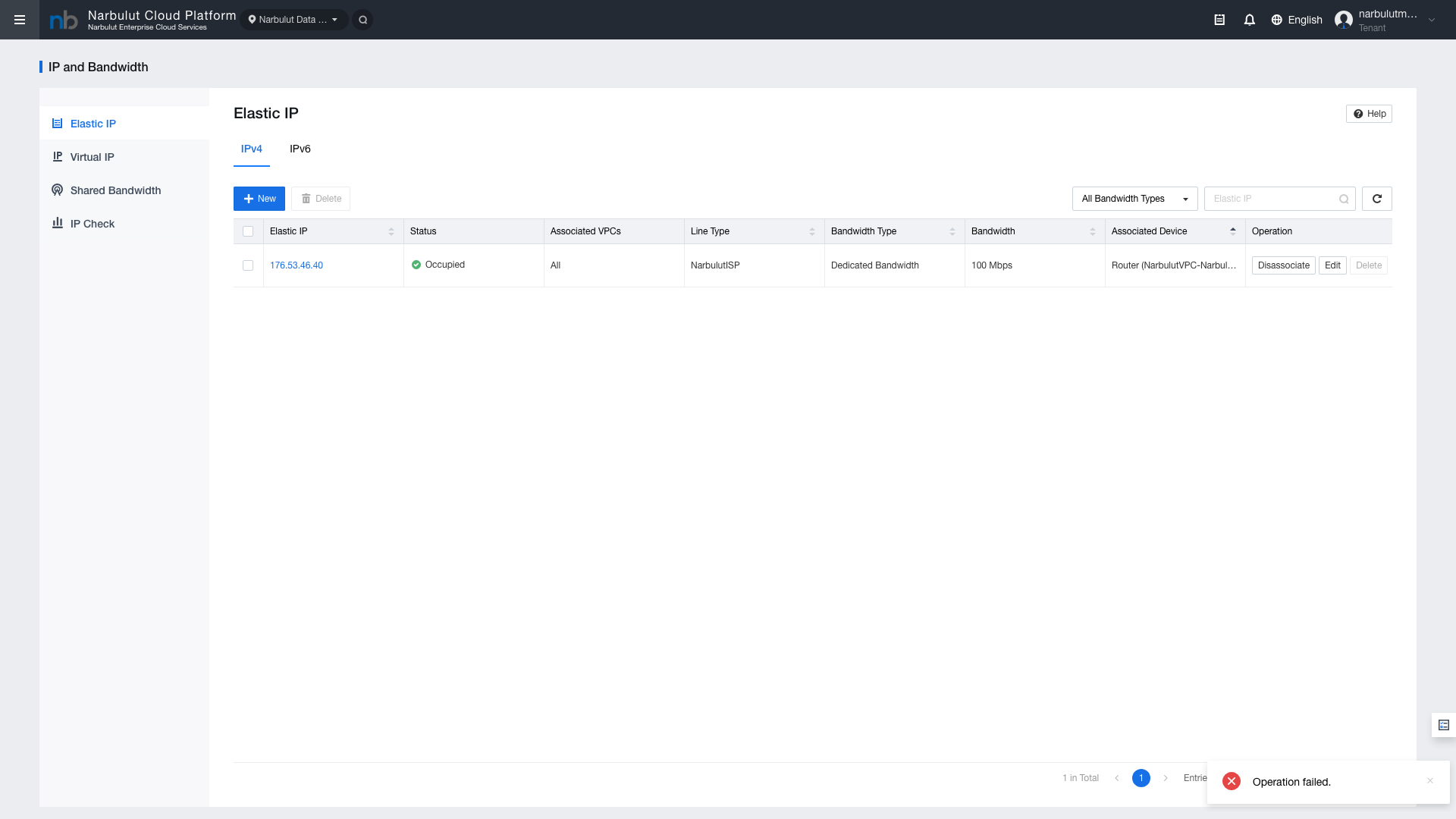
Elastic IPs (EIPs) are static IP addresses required for VMs and services to access the external network.
Access:IP and Bandwidth
Figure 5 — Elastic IP List
Field
Description
EIP Address
Assigned public IPv4 address
Bandwidth
Bandwidth limit assigned to the EIP
Bound Resource
VM or service the EIP is bound to
Status
Bound or Unbound
Tip: Unused EIPs consume your resource quota. Release unnecessary EIPs to use your quota efficiently.
5. Port Open / Close (ACL Rules)
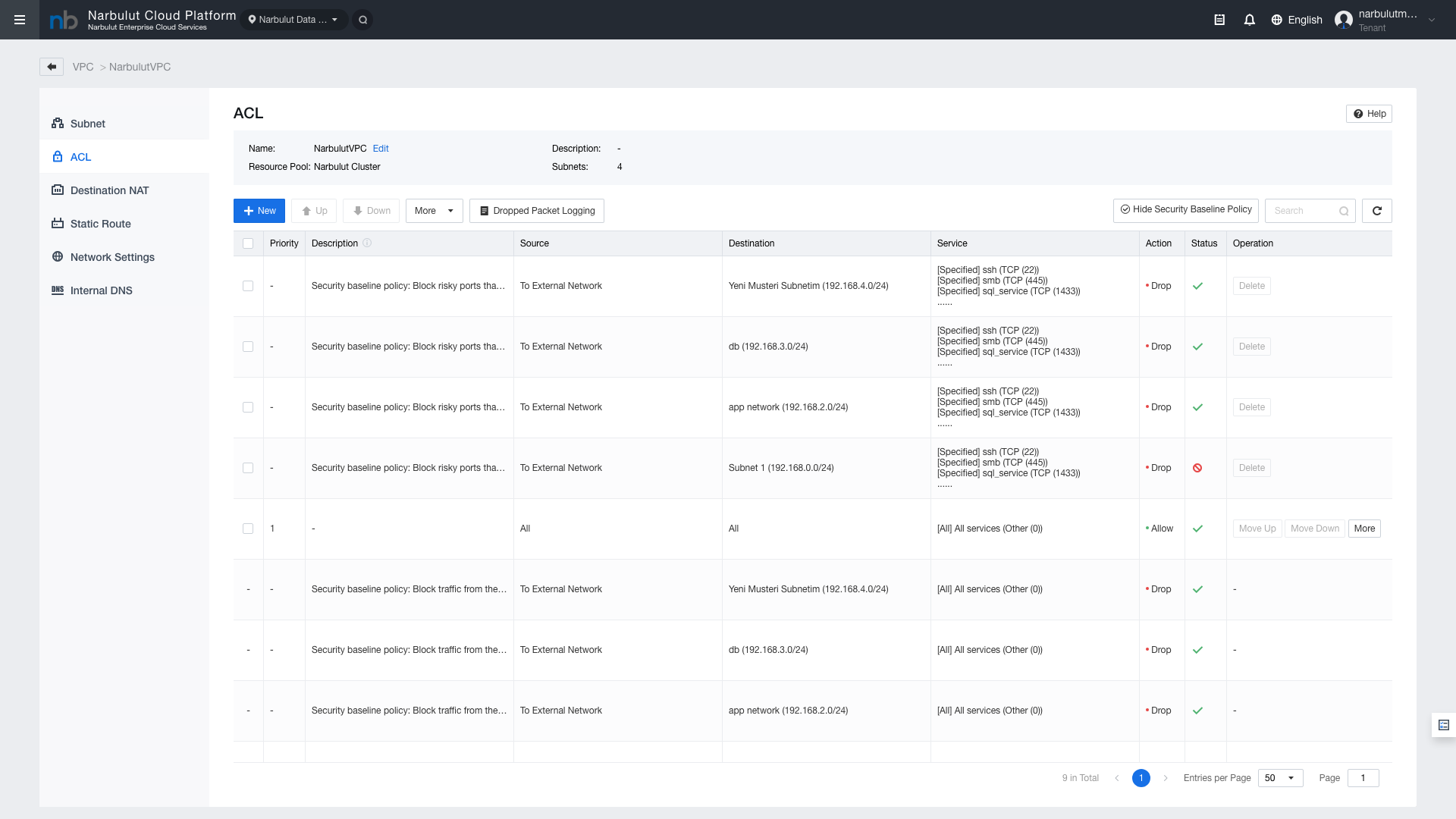
ACL (Access Control List) rules provide port-level access control at the VPC level. By default, all ports are closed; only explicitly allowed ports are opened for access.
Access:VPC > ACL
Security Baseline — Ports Recommended to Keep Closed by Default
Port
Protocol
Description
22
TCP (SSH)
Brute force attack risk
445
TCP (SMB)
Ransomware risk
1433
TCP (SQL)
Database attack risk
Figure 6 — ACL Rule List
Figure 7 — ACL Rule Creation
Field
Description
Rule Name
Identifier name
Direction
Inbound or Outbound
Protocol
TCP, UDP, ICMP, or all
Source / Destination IP
IP address or CIDR block
Port Range
Single port or range (e.g., 80-443)
Action
Allow or Deny
Warning: ACL rules are ordered. More specific rules should be placed first, general rules at the end.
6. Port Forwarding (Destination NAT)
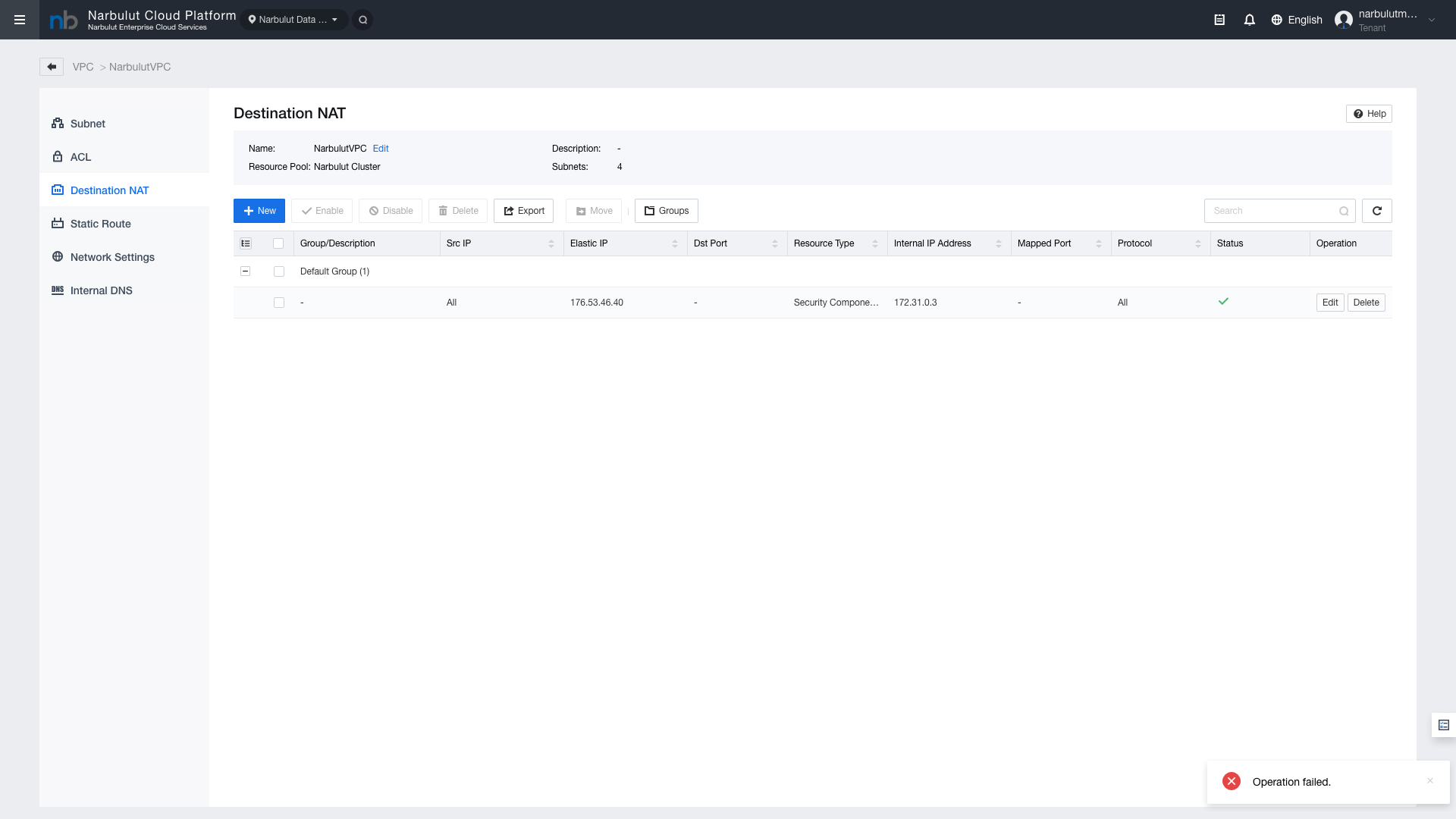
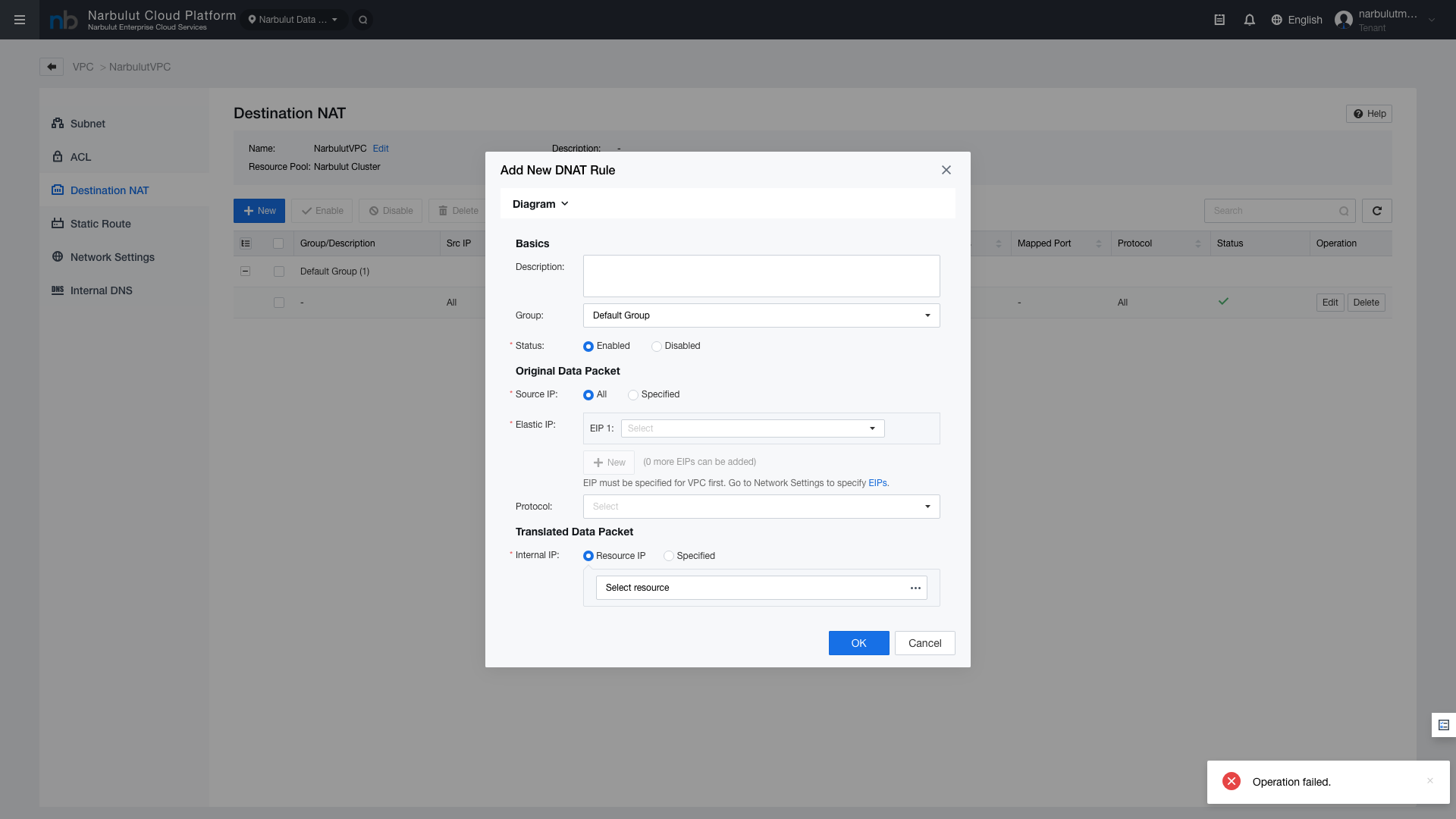
Destination NAT is used to forward incoming external traffic to a specific internal IP and port. For example, you can forward external port 8080 to port 80 on an internal web server.
Access:VPC > Destination NAT
Figure 8 — Destination NAT Rules
Field
Description
Rule Name
DNAT rule identifier
EIP
External IP address (Elastic IP)
External Port
Port to be accessed externally
Internal IP
Internal VM IP address to forward to
Internal Port
Target port on the internal VM
Protocol
TCP or UDP
Note: When creating a DNAT rule, make sure the corresponding ACL rule is also defined. DNAT will not work without an ACL rule.
7. VPC Firewall and Distributed Firewall
VPC Firewall
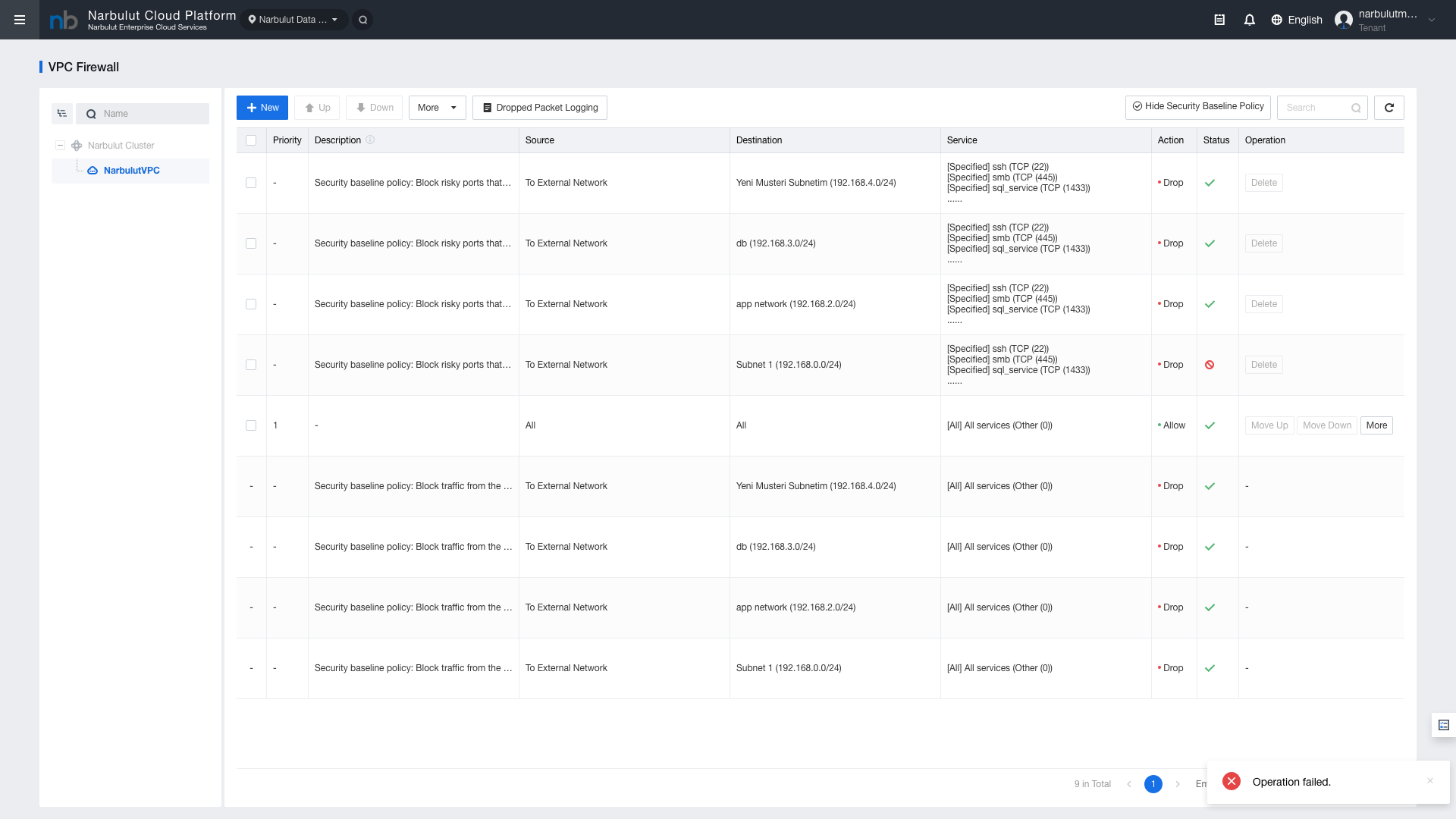
The VPC Firewall is a security layer that controls traffic between the external network and the VPC.
Access:Security > VPC Firewall
Figure 9 — VPC Firewall Rules
Field
Description
Rule Name
Firewall rule identifier
Source
Source IP or network group
Destination
Destination IP or network group
Service / Port
Allowed or blocked service/port
Action
Allow / Deny / Reject
Logging
Whether the rule is logged
Distributed Firewall
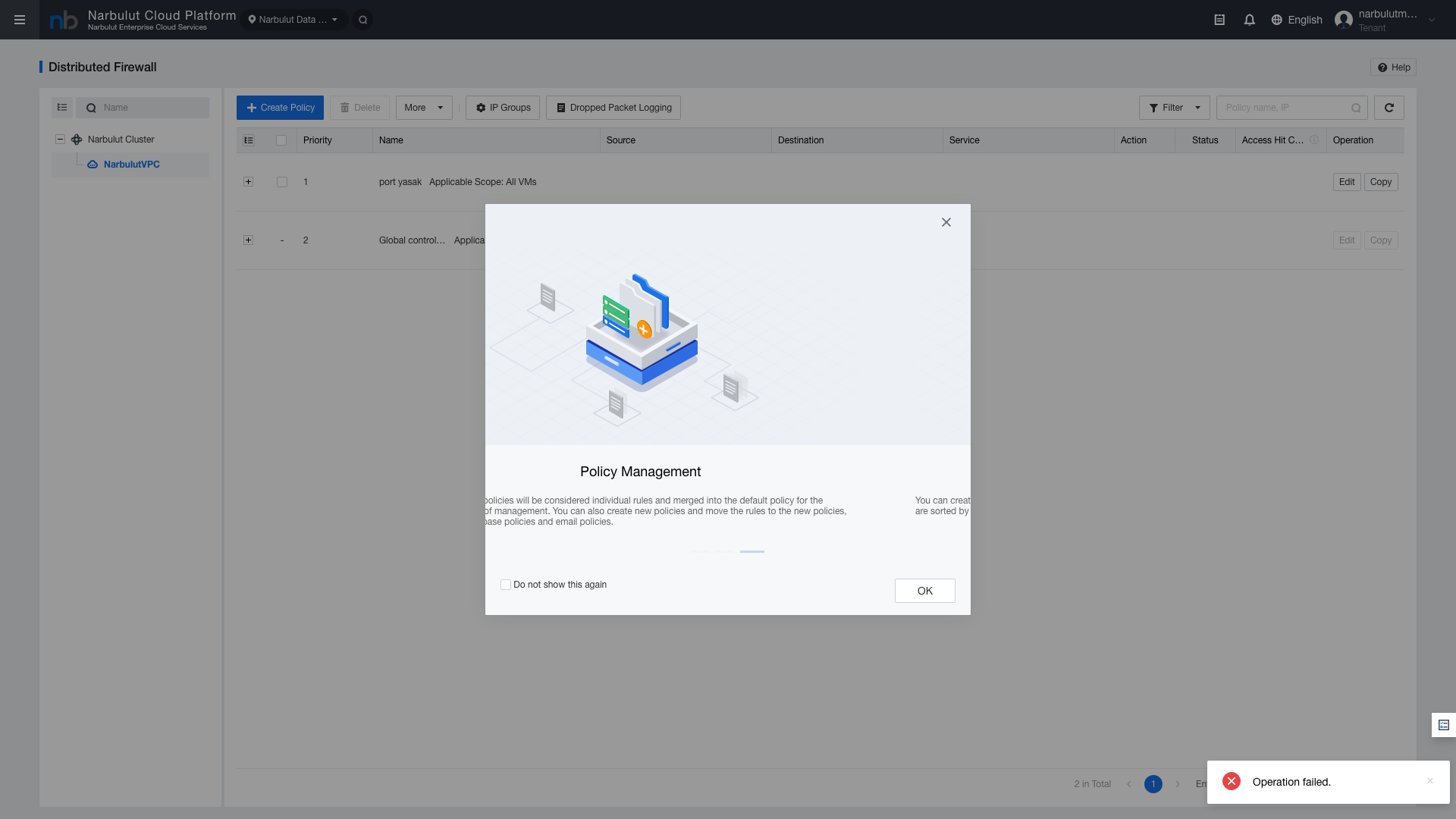
The Distributed Firewall controls inter-VM (east-west) traffic within a VPC. It is ideal for micro-segmentation.
Access:Security > Distributed Firewall
Figure 10 — Distributed Firewall Rules
Field
Description
Rule Name
Micro-segmentation rule identifier
Source VM/Group
Source virtual machine or VM group
Destination VM/Group
Destination virtual machine or VM group
Service / Port
Allowed or blocked service/port
Action
Allow / Deny / Reject
Tip: Distributed Firewall rules are applied at the VM level and are independent of the VPC Firewall. Configure both layers together for comprehensive security.
8. Static Routes and DNS Settings
Static Route Management
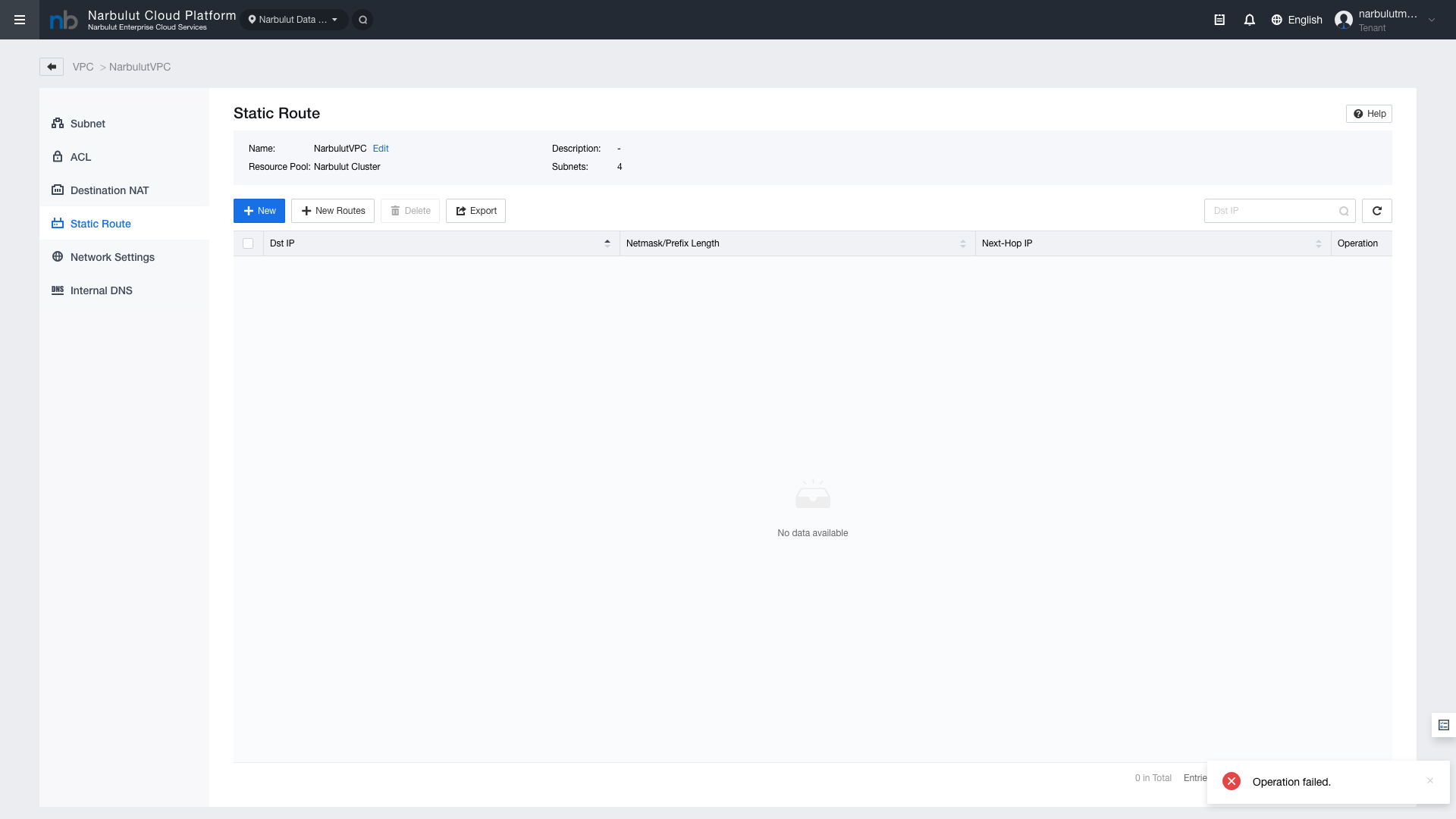
Static routes are used to direct specific network traffic to a custom next-hop address.
Access:VPC > Static Route
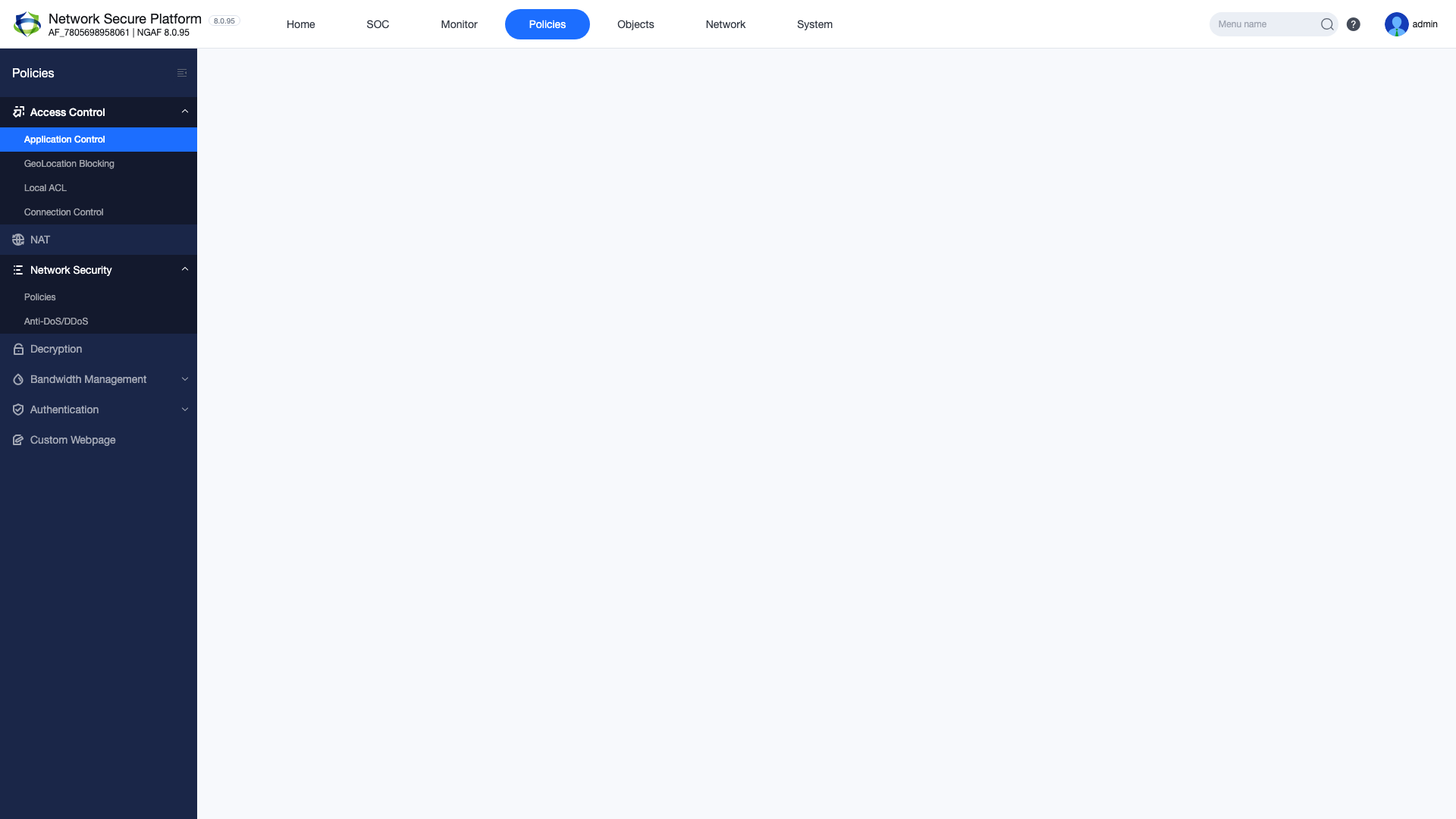
Figure 11 — Static Route List
Field
Description
Destination Network
Target CIDR block to route
Next Hop
IP address to forward traffic to
Description
Route description text
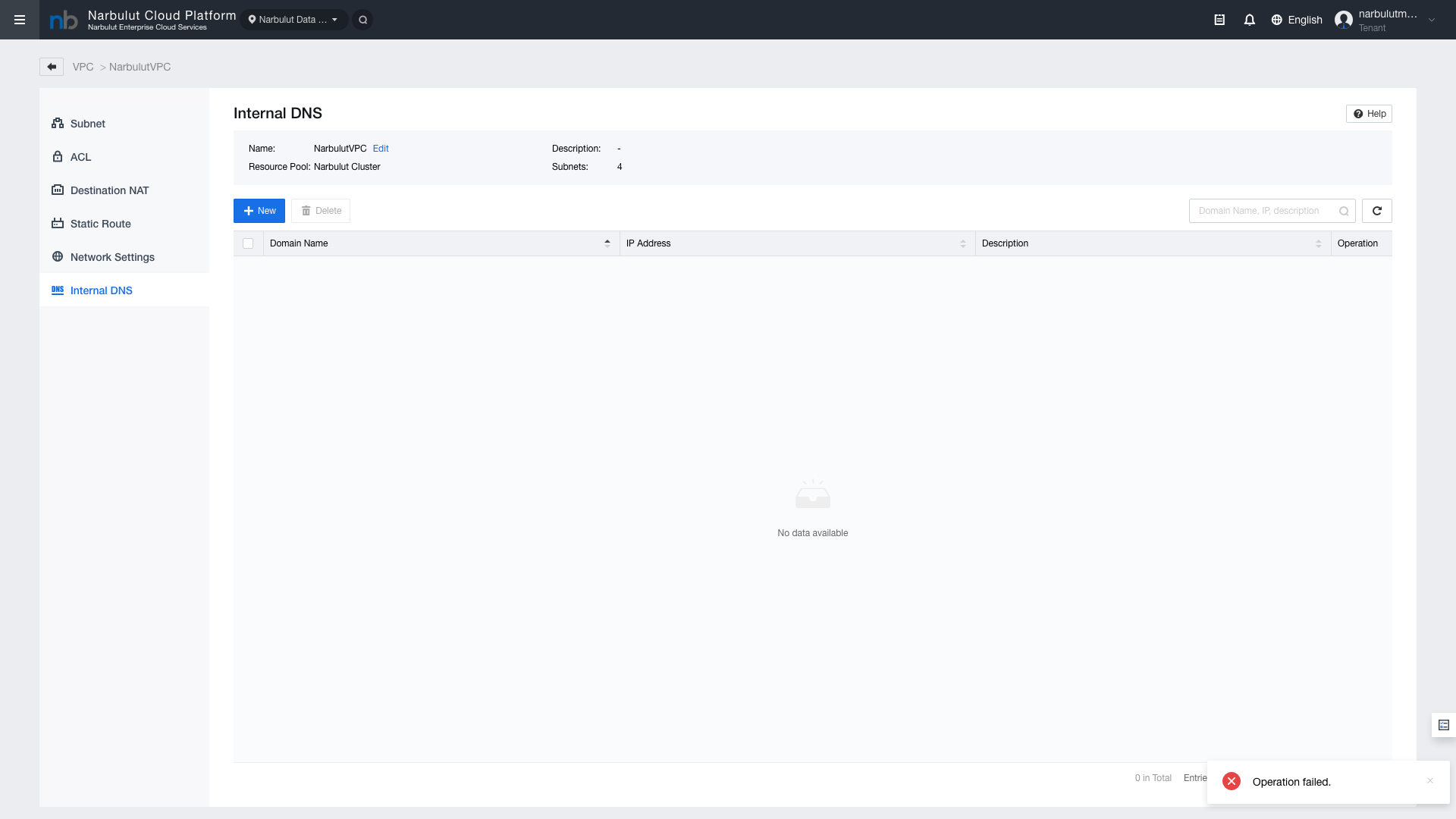
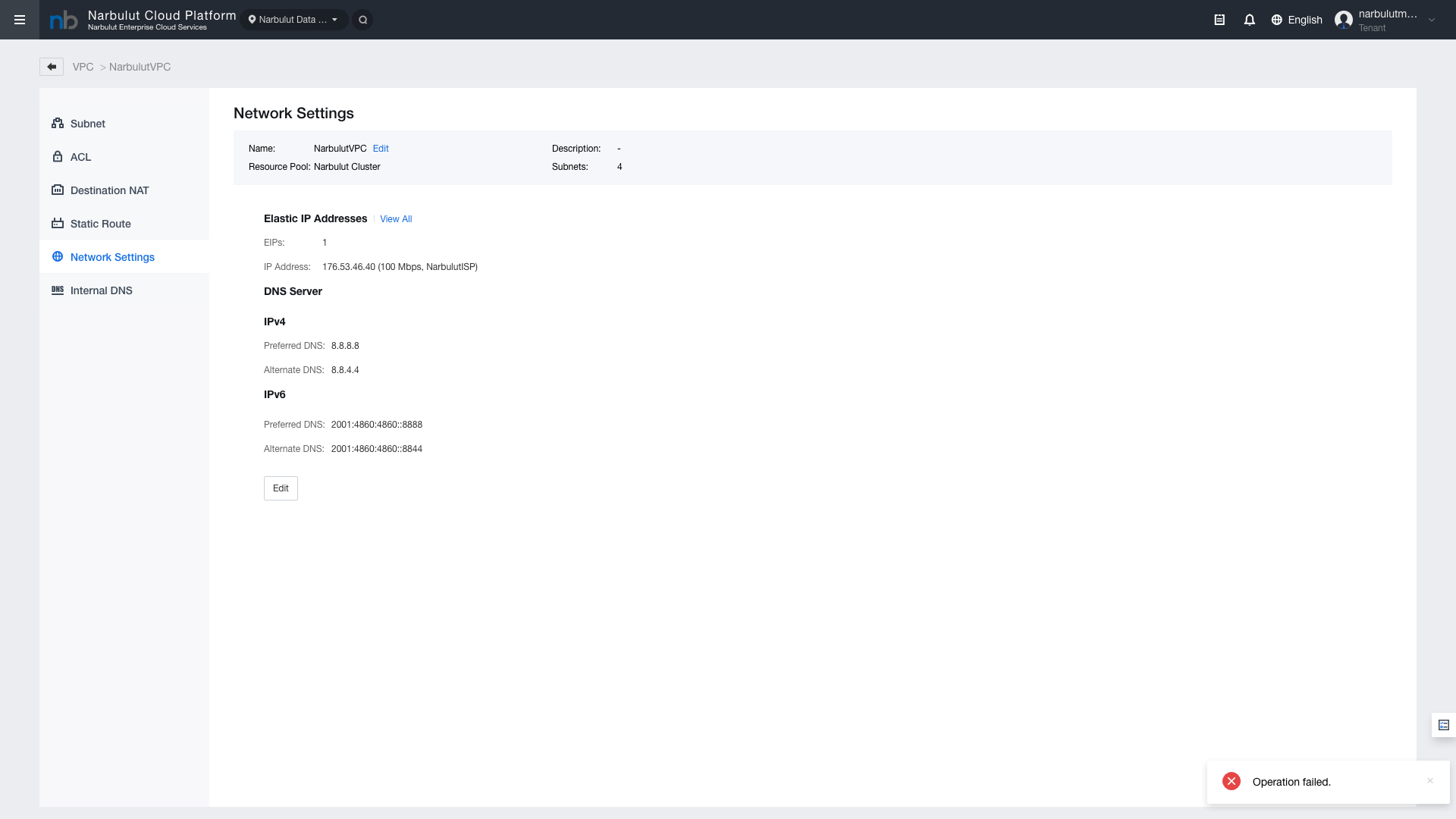
DNS Settings
Internal DNS allows you to create internal DNS records for VMs within a VPC.
Access:VPC > Internal DNS
Figure 12 — DNS Settings
Field
Description
Domain Name
Internal DNS record domain name
IP Address
IP address the DNS record points to
TTL
DNS record cache duration
Tip: Internal DNS enables VMs within the VPC to resolve each other by name. When IP addresses change, you only need to update the DNS record.
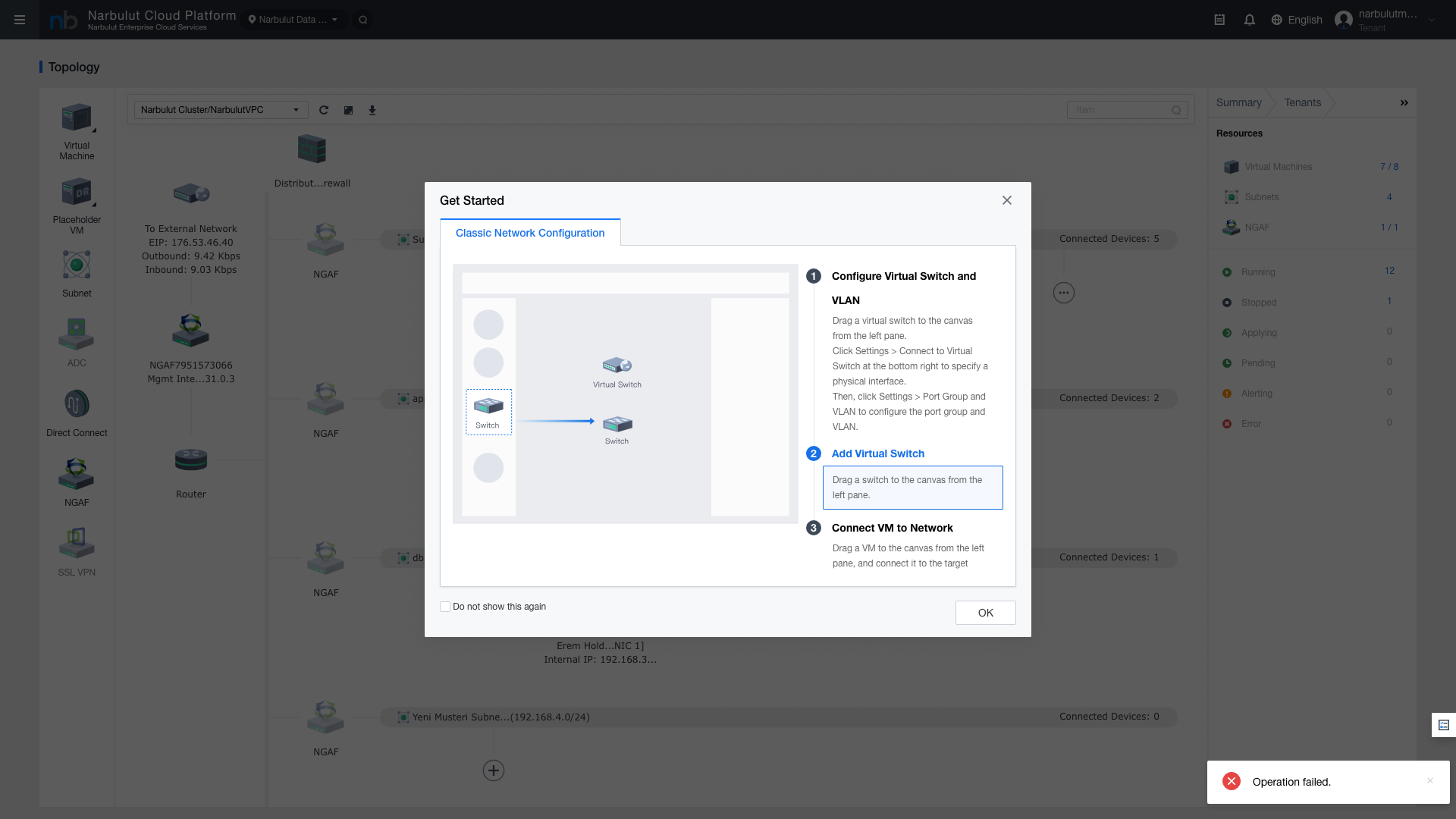
9. Network Topology
The Network Topology view provides a visual map of VPCs, subnets, VMs, and network components. Use this view to quickly review your network structure and verify connection statuses.
Figure 13 — Network Topology View
Tip: The topology view is useful for visually verifying connections between components when diagnosing network issues.
10. NGAF — Web Console, SOC and Policies
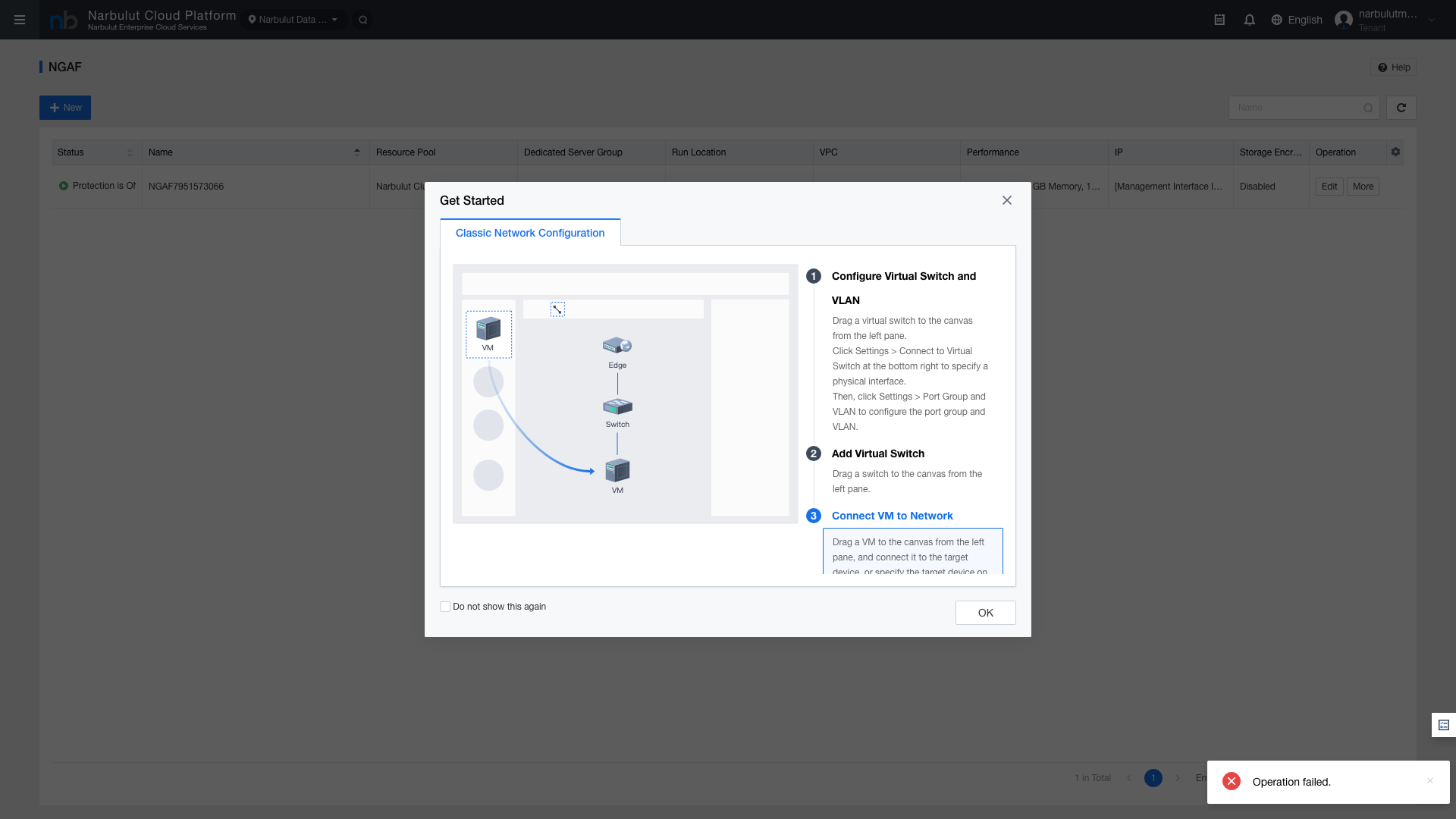
NGAF (Next-Generation Application Firewall) is an integrated security appliance that provides advanced firewall features.
Access:Security > NGAF
10.1 Web Console Access
Provides direct access to the NGAF device management interface. All NGAF configurations are performed through this console.
Figure 14 — NGAF Web Console
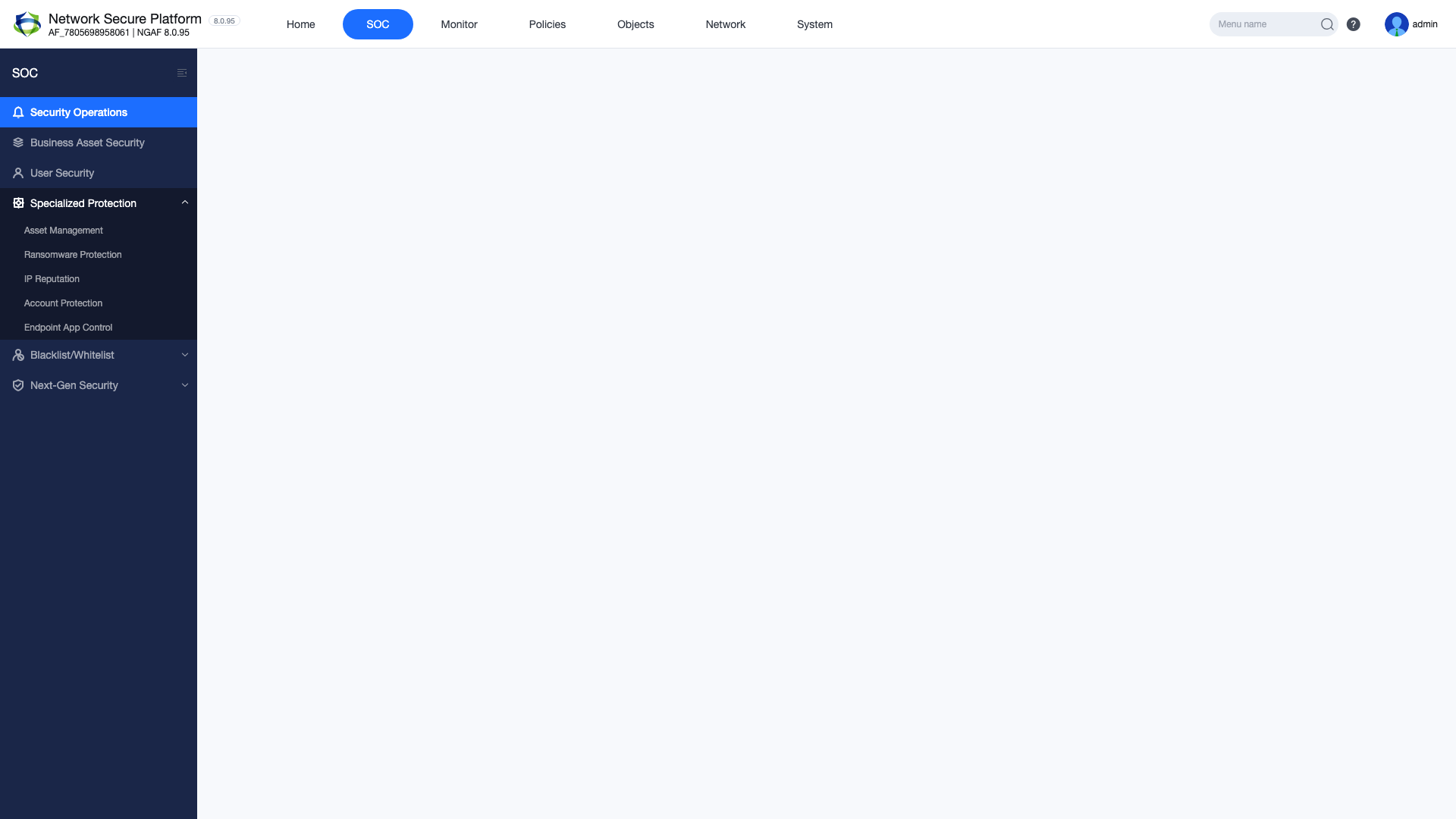
10.2 SOC Dashboard
The Security Operations Center (SOC) dashboard allows you to monitor the network security status in real time. Threat statistics, traffic analysis, and security events are summarized on this dashboard.
Figure 15 — NGAF SOC Dashboard
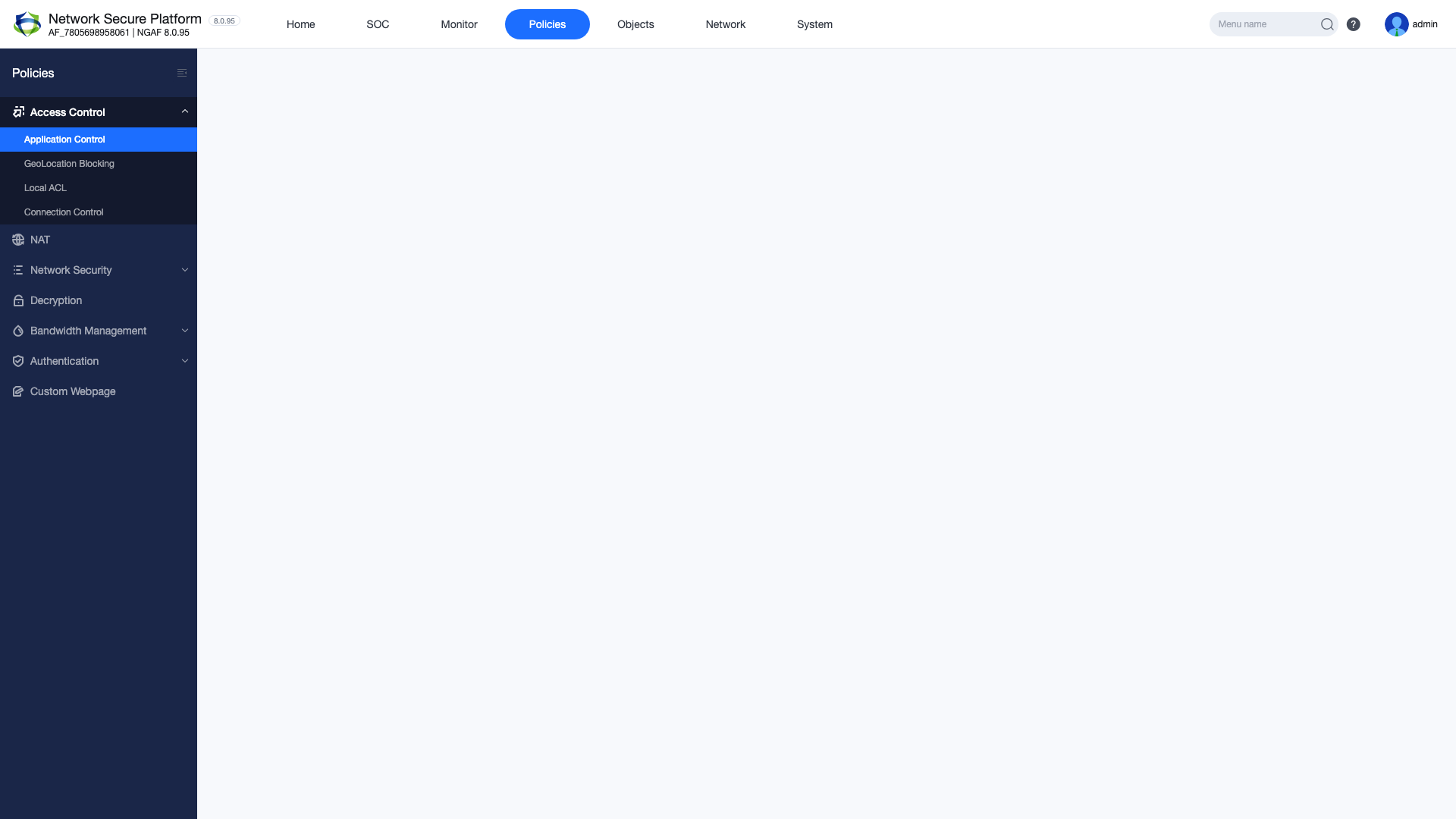
10.3 Policy and Access Control
You can define application-based access policies on the NGAF. Policies support filtering based on source, destination, application, and time.
Figure 16 — NGAF Policy and Access Control
11. NGAF — NAT, UTM and Monitoring
11.1 NAT / Port Forwarding
You can define advanced NAT rules through the NGAF. NGAF NAT rules operate independently from VPC-level Destination NAT and provide more granular control.
Figure 17 — NGAF NAT Rules
11.2 UTM Features
The Unified Threat Management (UTM) module enables you to manage advanced security features such as IPS/IDS, anti-virus, web filtering, application control, and anti-spam from a single point.
Figure 18 — NGAF UTM Features
UTM Module
Description
IPS/IDS
Intrusion detection and prevention system
Anti-Virus
Malware scanning in network traffic
Web Filtering
URL and category-based web access control
Application Control
Application-based traffic management
Anti-Spam
Spam email filtering
11.3 Monitoring and Logs
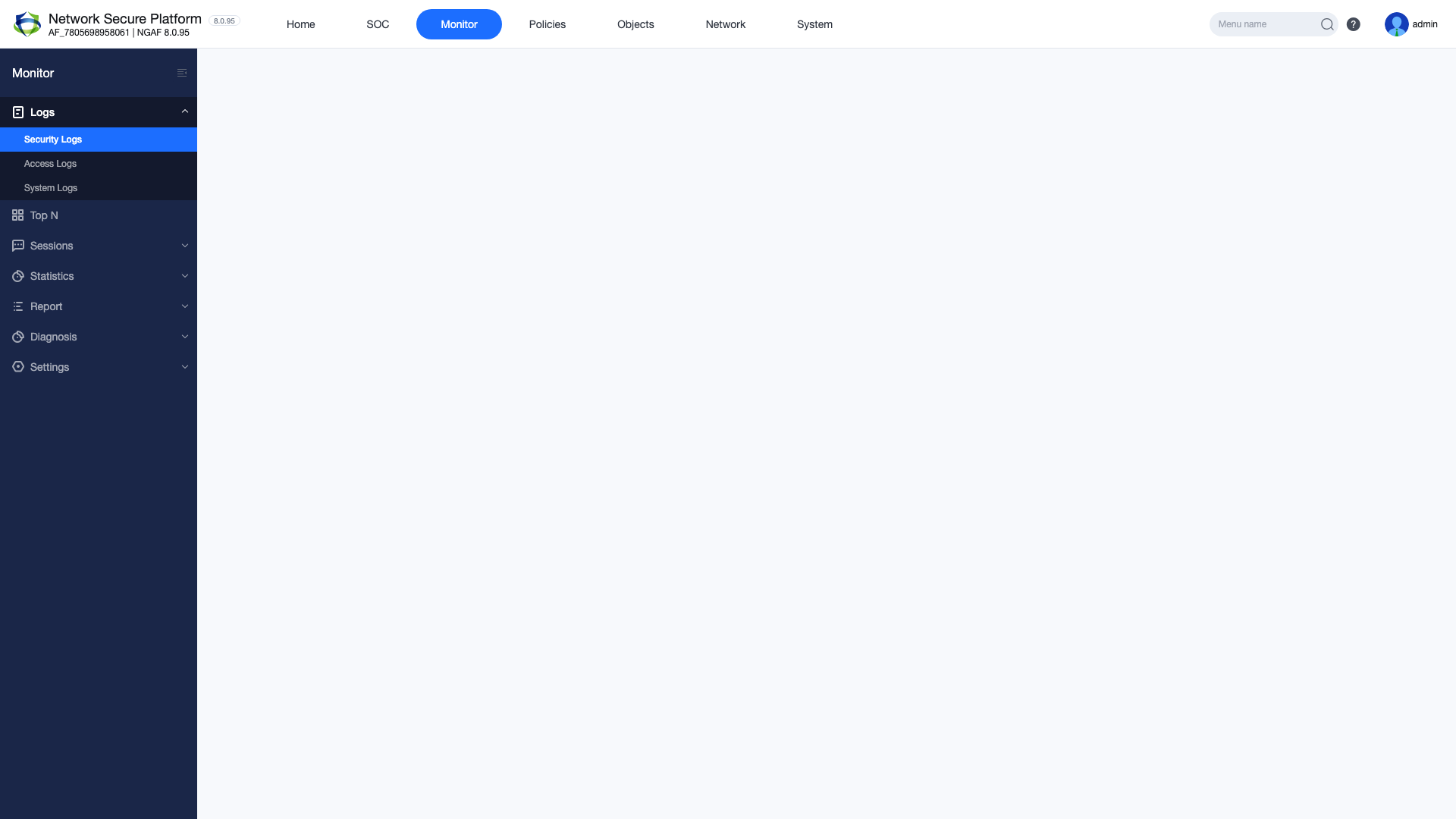
NGAF records all network events and security logs. You can review past events, perform threat analysis, and generate reports from the log records.
Figure 19 — NGAF Monitoring and Log Records
Warning: Review NGAF logs regularly. Abnormal traffic patterns can be detected early to prevent security breaches.
12. Best Practices
Network Segmentation: Use separate VPCs and subnets for different workloads to ensure isolation.
Least Privilege Principle: Open only the required ports and IP ranges in ACL and firewall rules.
Layered Security: Use VPC Firewall, Distributed Firewall, and NGAF together for defense in depth.
Regular Monitoring: Check the NGAF SOC dashboard and logs regularly.
Redundant Configuration: Define multiple EIPs and DNAT rules for critical services.
Documentation: Document all network rules and changes. Always fill in rule description fields.
Periodic Review: Regularly clean up unused ACL rules, EIPs, and firewall policies.
DNS Usage: Prefer Internal DNS records over IP addresses for inter-VM communication.