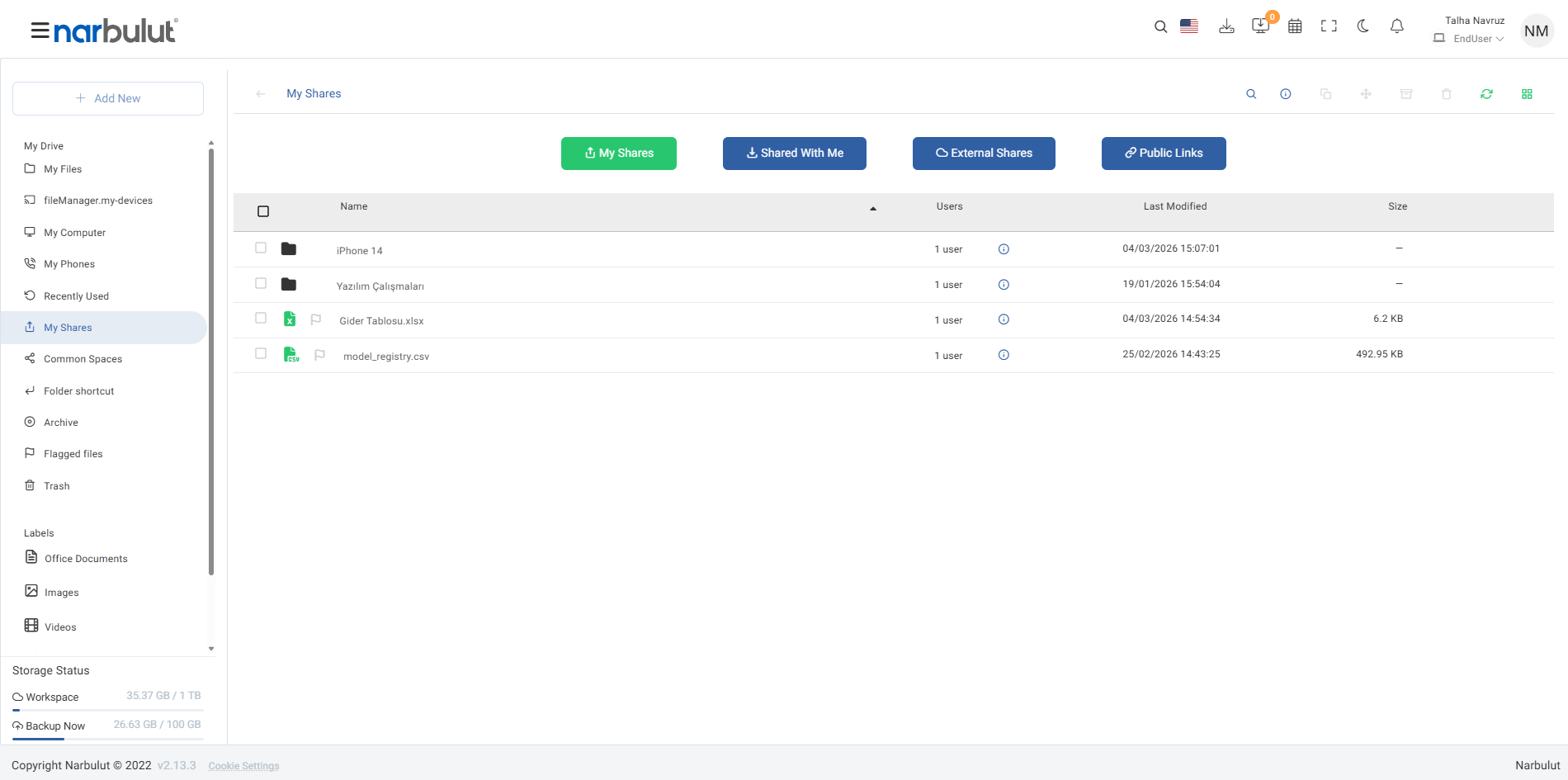
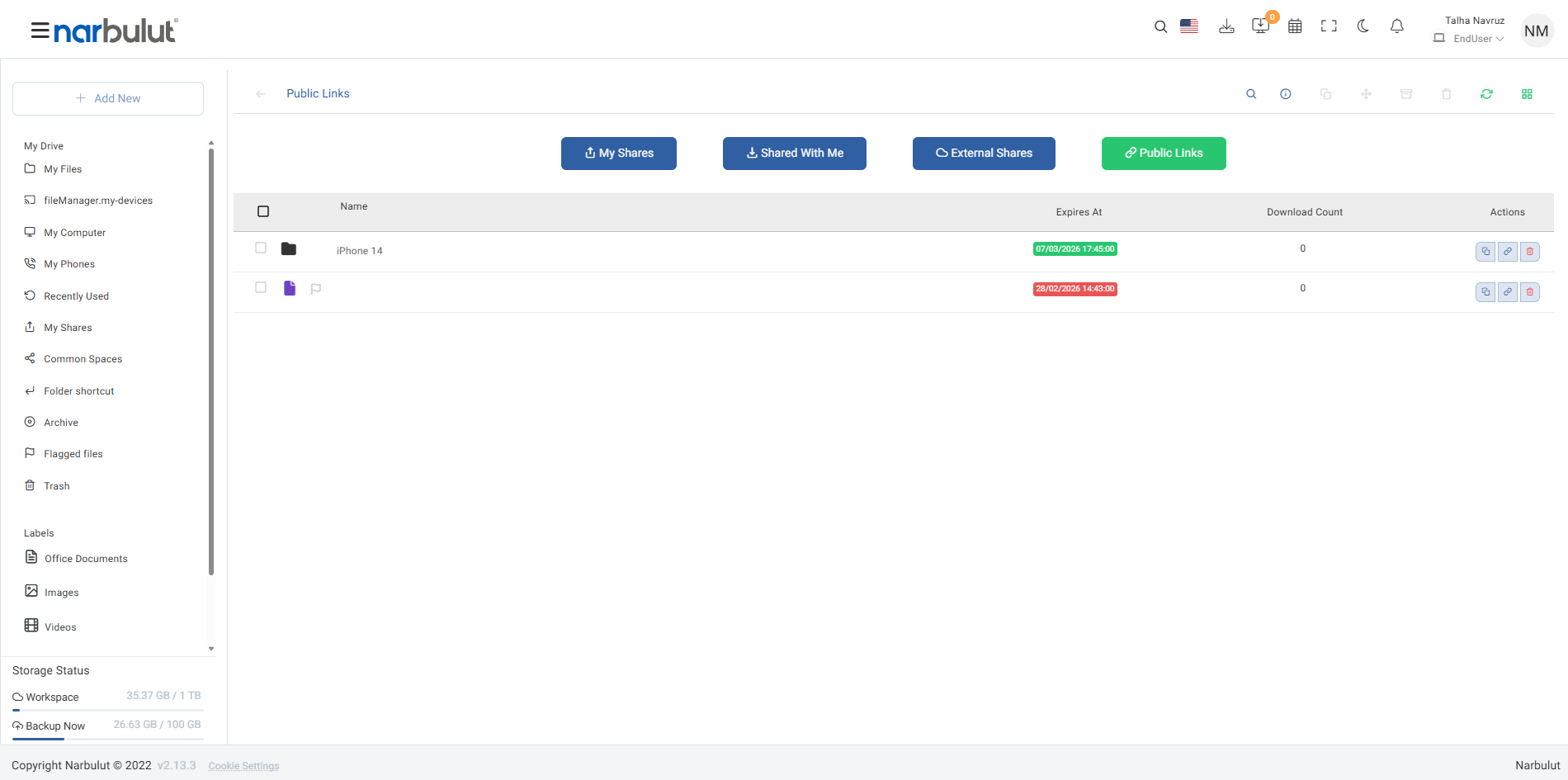
Share Your Files Safely with Narbulut's Secure Infrastructure!
Easily share your files and folders with internal and external users with the Narbulut File Sharing feature. Create a safe and productive collaboration environment
Make Collaboration Easier with Narbulut File Sharing
Share your files and folders with secure connections using the Narbulut File Sharing feature. Determine the permission levels for your shares in detail and simplify your sharing processes. Thus, manage both your internal and external collaborations safely and quickly
Internal and External Sharing
Share all your files and folders securely with both internal and external users
You Determine Permissions
Determine who can do what by defining specific access permissions to your shares
Easy Management Panel
Manage your shares quickly and easily from a central panel
Select the Files and Folders You Want to Share
Select the data you want to share and start the sharing process. So speed up your workflow
Manage the files and folders you want to share.
Clearly define what data you will share.
Customize and edit the share as needed.
Define Permissions and Ensure Security
Set detailed access permissions for your shares and increase your data security. Manage sharing transparently and efficiently
Specify access permissions based on user or user group.
Define options such as viewing, editing or downloading your files.
Quickly update access permissions when necessary. Ensure data privacy by opting out of sharing.
OTHER FEATURES
Discover other features of nDocs Workspace.
Explore all features of nDocs Workspace to manage and protect your data most efficiently. Discover now!