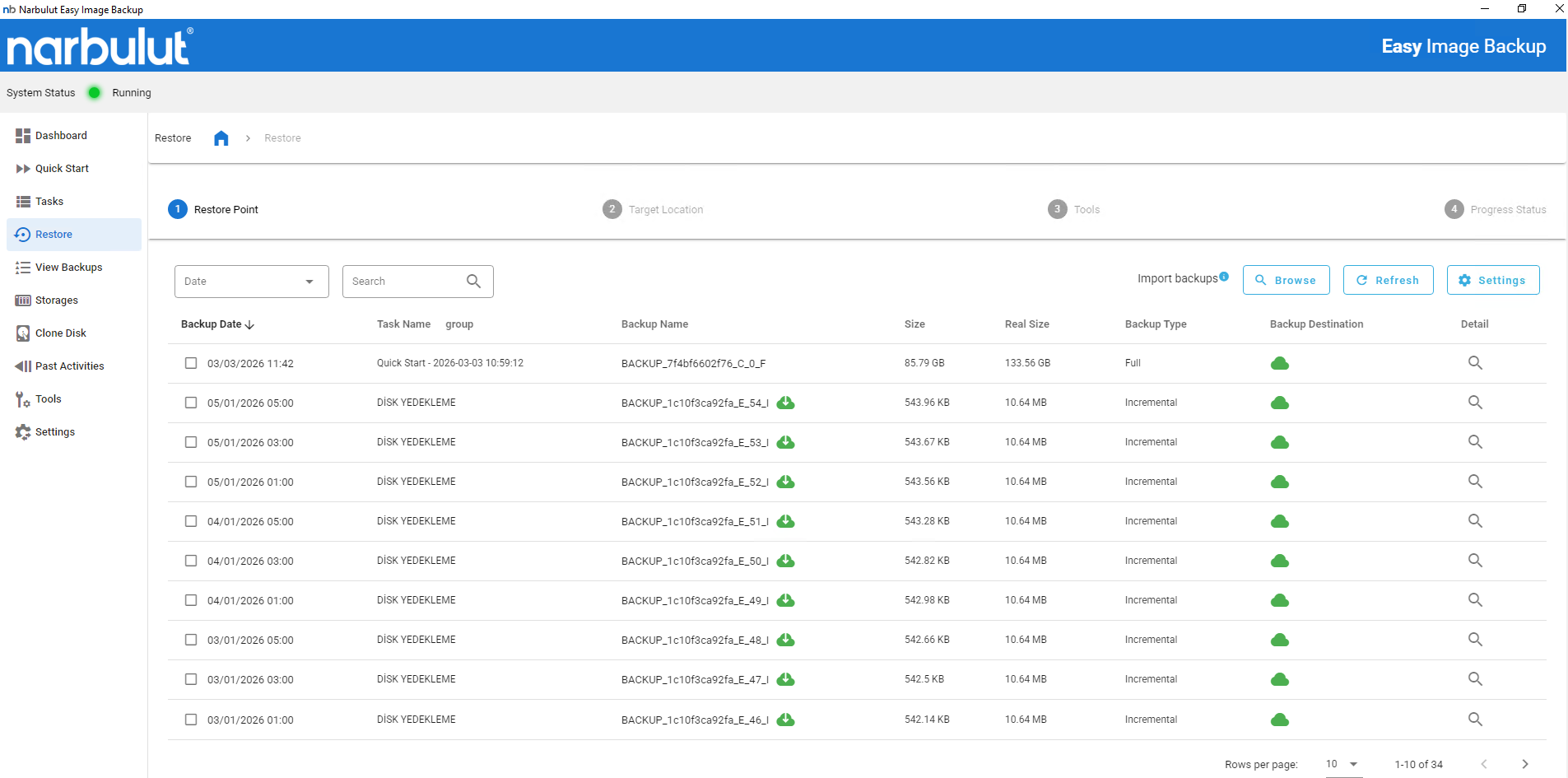
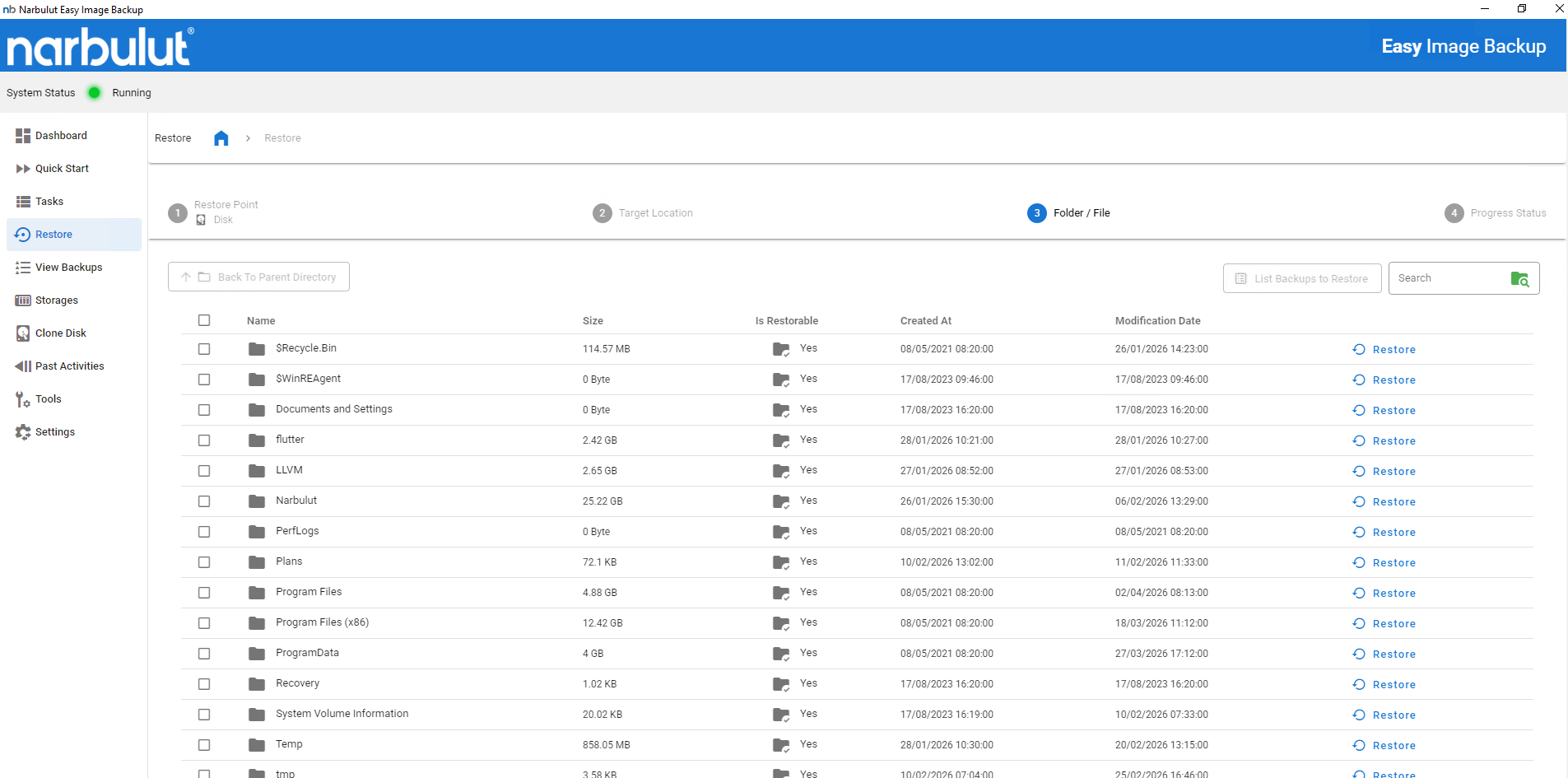
Easy Image Backup displays the contents of the image backup, allowing you to select and restore only the files or folders you need. In case of a system failure or user error, you do not have to return the entire image.
Thanks to this feature, there is no need for major restoration operations for small data losses
Content Monitoring
Open the contents of the backed up image file, examine the file and folder structure and select the one you want. The system structure is preserved, allowing you to process only the data you need
Target Specific Restore
Just restore the file or folder you specify. The restore process is completed without touching any other data in the current system
Time Saving
Save time and processing power by restoring only essential data instead of restoring the entire system. It provides maximum efficiency, especially in small-sized data recovery
Identify the File or Folder You Want to Restore
Find the ones you need by scanning the files and folders in the image backup. Easy Image Backup opens the image content as a virtual file system, allowing you to make file-level selections
Open the backup image file and examine the folder structure.
Detect deleted or corrupted files.
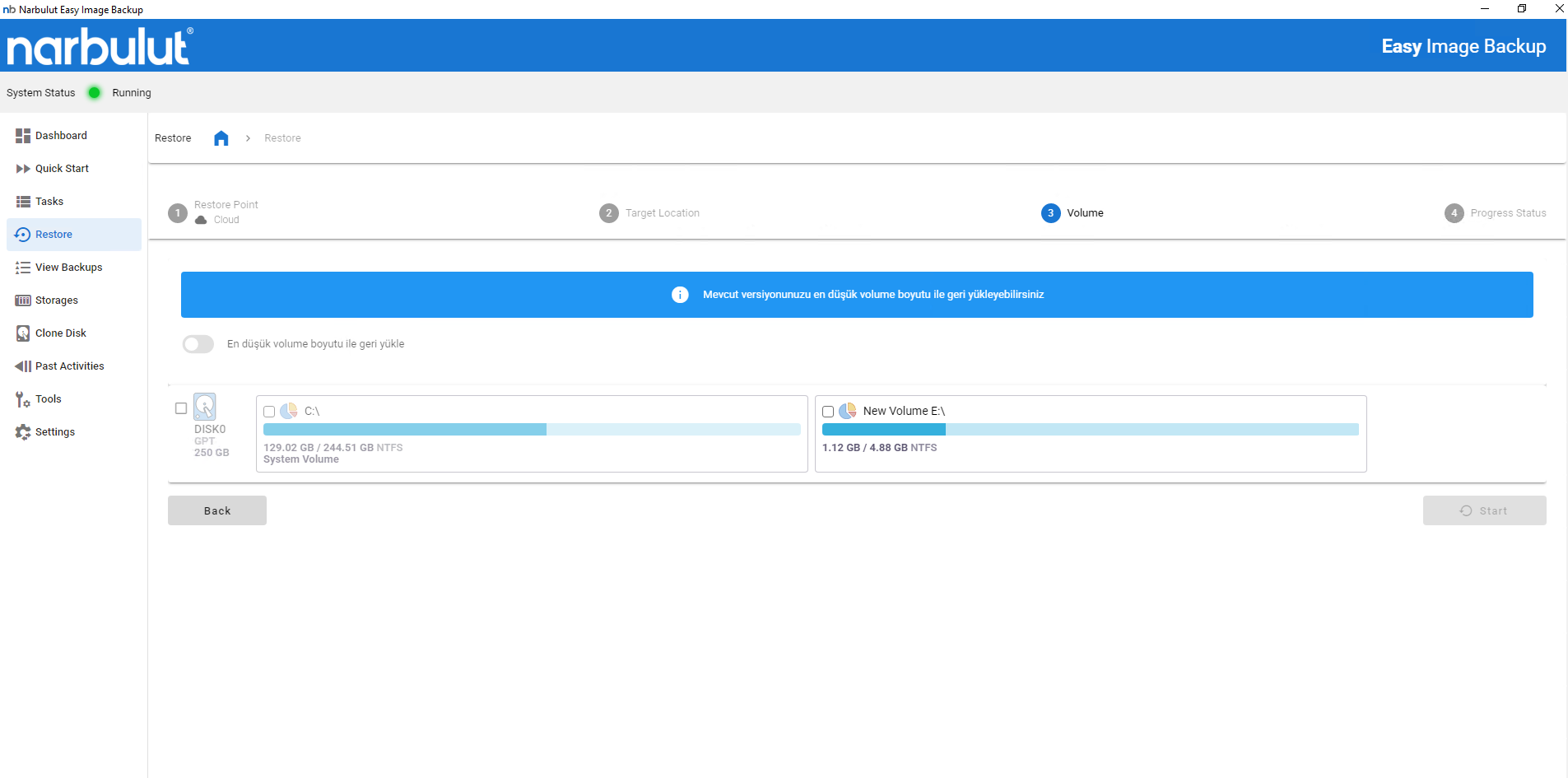
Select Restore Location
Determine which directory to transfer the data to be restored. This process allows you to include additional data into the system without disrupting your existing file structure
Determine whether to restore to the current location or an alternative folder.
In case of file conflicts, choose to overwrite or copy.
Restore Files
The selected files and folders are safely restored to the specified location. The system protects the integrity and security of data throughout the transaction
Start the restore and follow the progress.
After processing, the system reports whether there is any missing or corrupt data.
Get instant access to restored data.
OTHER FEATURES
Discover other features of Easy Image Backup.
Explore all features of Easy Image Backup to manage and protect your data most efficiently. Discover now!